
01
Run the experience.
Open a licensed WEEV file in Player at the installation. Confirm compatible hardware for your chosen Block.
 Let’s talk
Open a WEEV file exported from Studio in WEEV Player, then run the experience at each licensed installation.
The Player installer is available through the team while the direct download is being prepared. Request it and we’ll confirm the right version for your installation.
Finish your content and settings, then export and activate a licensed WEEV file. The licence term starts at this point.
Load the WEEV file in Player on compatible hardware at your installation.
Add seats to run the unchanged file in more places. If you change the content and export a new version, it needs a new licence.
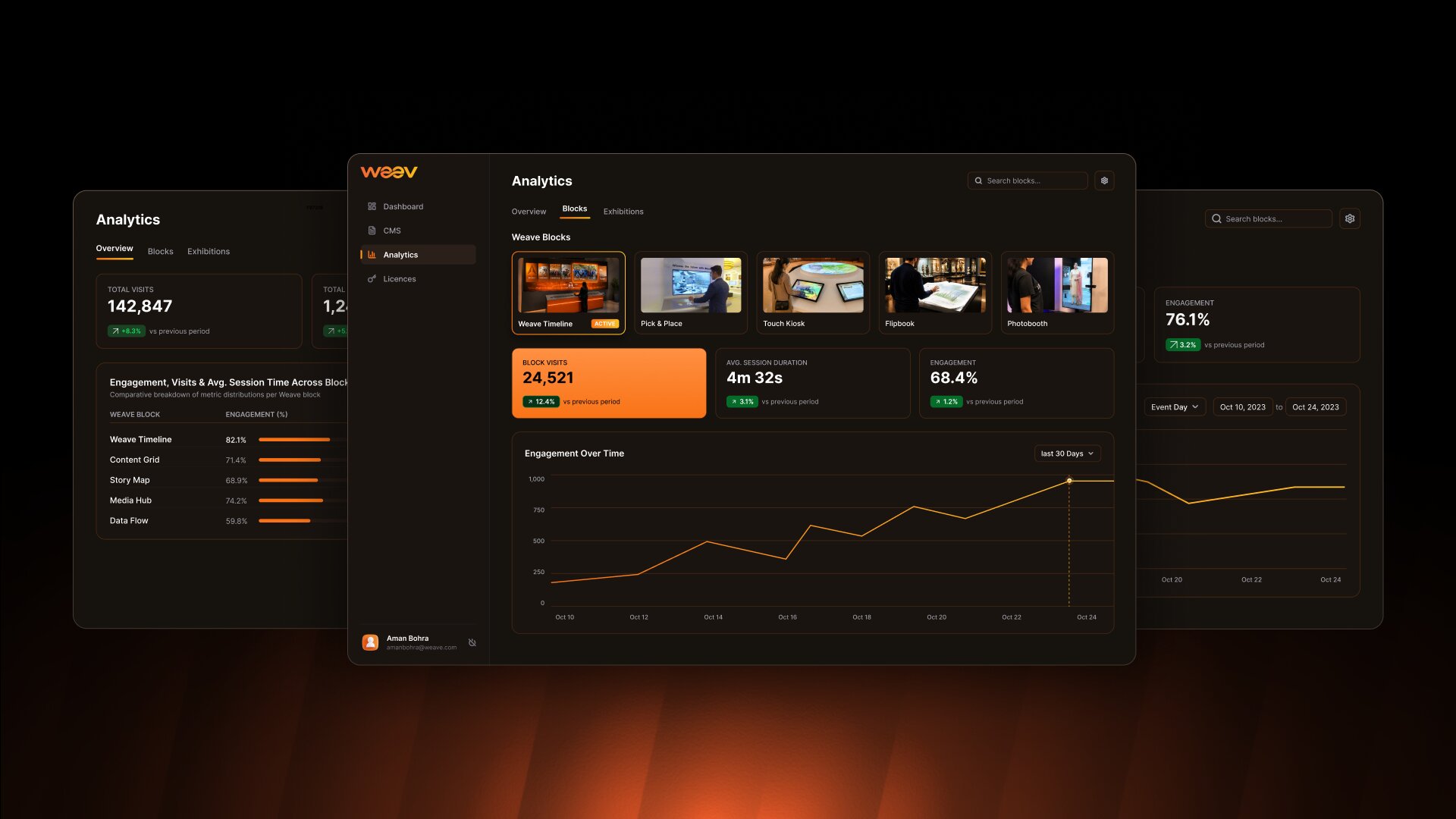
See how people engage with your experience. Use that understanding to refine the content and shape what comes next.
Open a licensed WEEV file in Player at the installation. Confirm compatible hardware for your chosen Block.
Track available measures such as sessions, average dwell time, most-viewed content, completion rate and peak hours.
Bring what you learn back into Studio. Change the content, preview it and license the new export for your next deployment.
Before opening day, align the software, hardware and the person running the experience.
Plan the setup togetherPreview the finished experience in Studio before preparing it for Player.
Check the display, input devices and content on the actual installation.
Agree which metrics matter for your setup, such as sessions, dwell time, most-viewed content, completion rate and peak hours.
The space. The audience. The timeline.
Let’s find the right way to bring it to life.