

Build freely.
Pay to deploy.
Create and preview in Studio for free. Credits apply when you export and activate a WEEV file, add seats for an unchanged file, or license a new version.
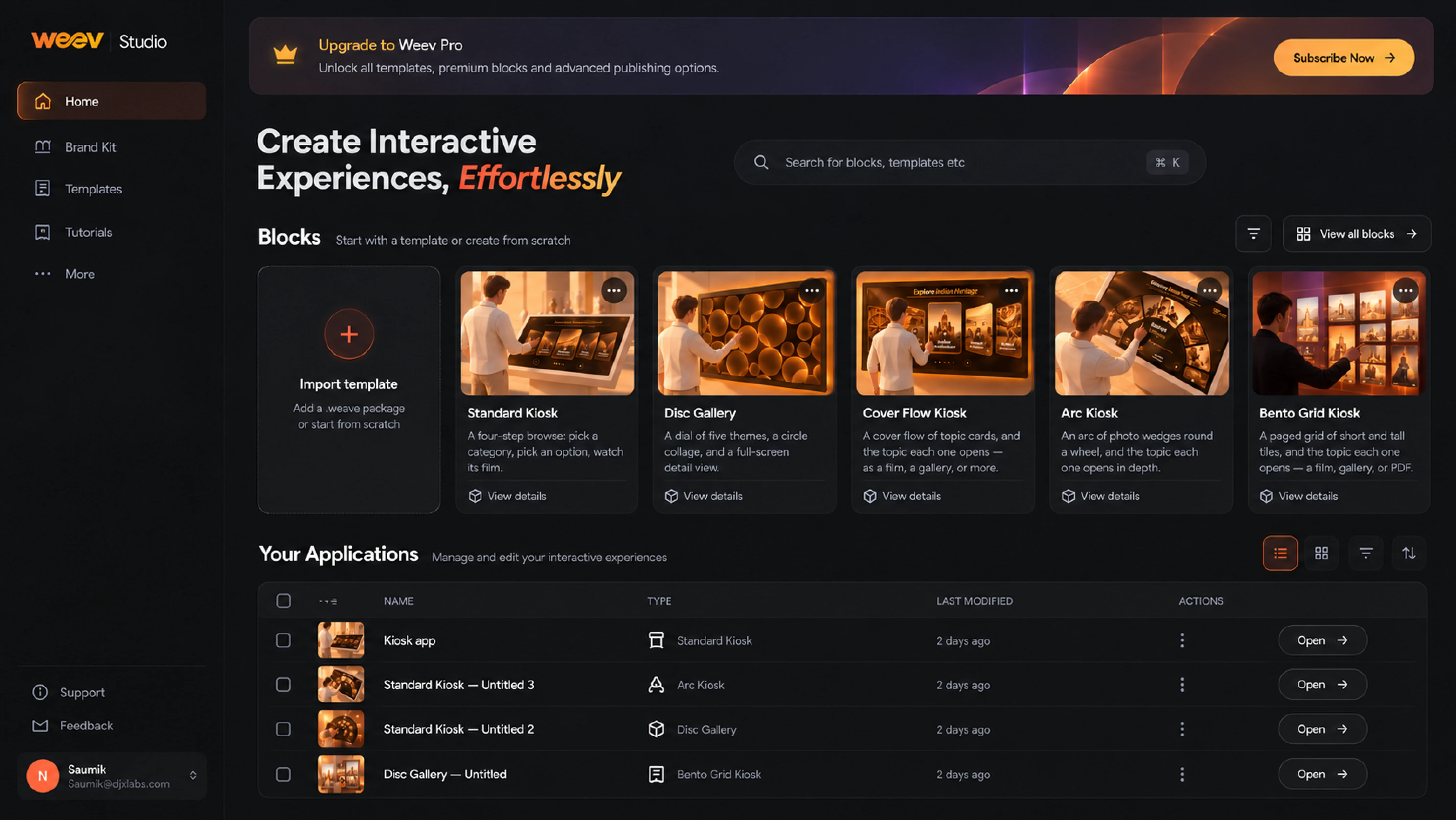
Build for free.
Pay when it goes live.
Explore each step to see when credits apply and what changes when you deploy the same file in more places.
Create in Studio
Building and revising in Studio do not use export credits. Nothing is licensed until you export and activate a WEEV file.
Need a longer run? Perpetual licences and the current credit schedule are available from the WEEV team. Credit amounts are shown in Studio before you confirm an export.
Plan your deployment Discuss creditsSee how licences and seats add up.
Map a simple rollout before you ask for a credit quote. Change the inputs to see what counts as a new licensed version.
How many places will run the experience?
How many differently configured files will you export?
One WEEV file is licensed for the first location. The 2 remaining locations run an unchanged copy, so they use additional seats.
Assumes each location runs one file. A seat applies only when the exported file is identical, including its content and settings.
The practical details.
01What counts as a seat?
A seat lets you deploy the same, unchanged WEEV file at another installation. Adding a seat uses fewer credits than licensing a changed version.
02When do I need a new licence?
When you change the content or settings in Studio and export a different WEEV file for another deployment, that version needs a new licence at the applicable full credit cost.
03When does the licence period start?
The selected term starts when you export and activate the WEEV file, rather than when a visitor first uses Player.
04Which licence periods are available?
Choose a one-week, two-week or one-month licence. For a perpetual licence, speak with the WEEV team.
05How do credits work?
Credits are used when you export and activate a licensed WEEV file. Additional seats for an unchanged file use a smaller credit amount. Contact the team for the current credit schedule and any AI-powered feature usage.
06How do I run the exported file?
Open your exported WEEV file in WEEV Player on compatible installation hardware. Request the Player installer from the team until a direct download is published.
07Are hardware and installation included?
No. Displays, computers, sensors, installation, content production, training and custom development are scoped separately from the software licence.
08What is included in beta access?
Selected templates are available during beta. The team will confirm access, export credits and the supported setup for your project.
09Can the WEEV team help create the content or customise the experience?
Yes. Content development, visual design, custom features, hardware integration and delivery support can be scoped separately with the WEEV and DJX Labs team.
Your next experience starts here.
The space. The audience. The timeline.
Let’s find the right way to bring it to life.