
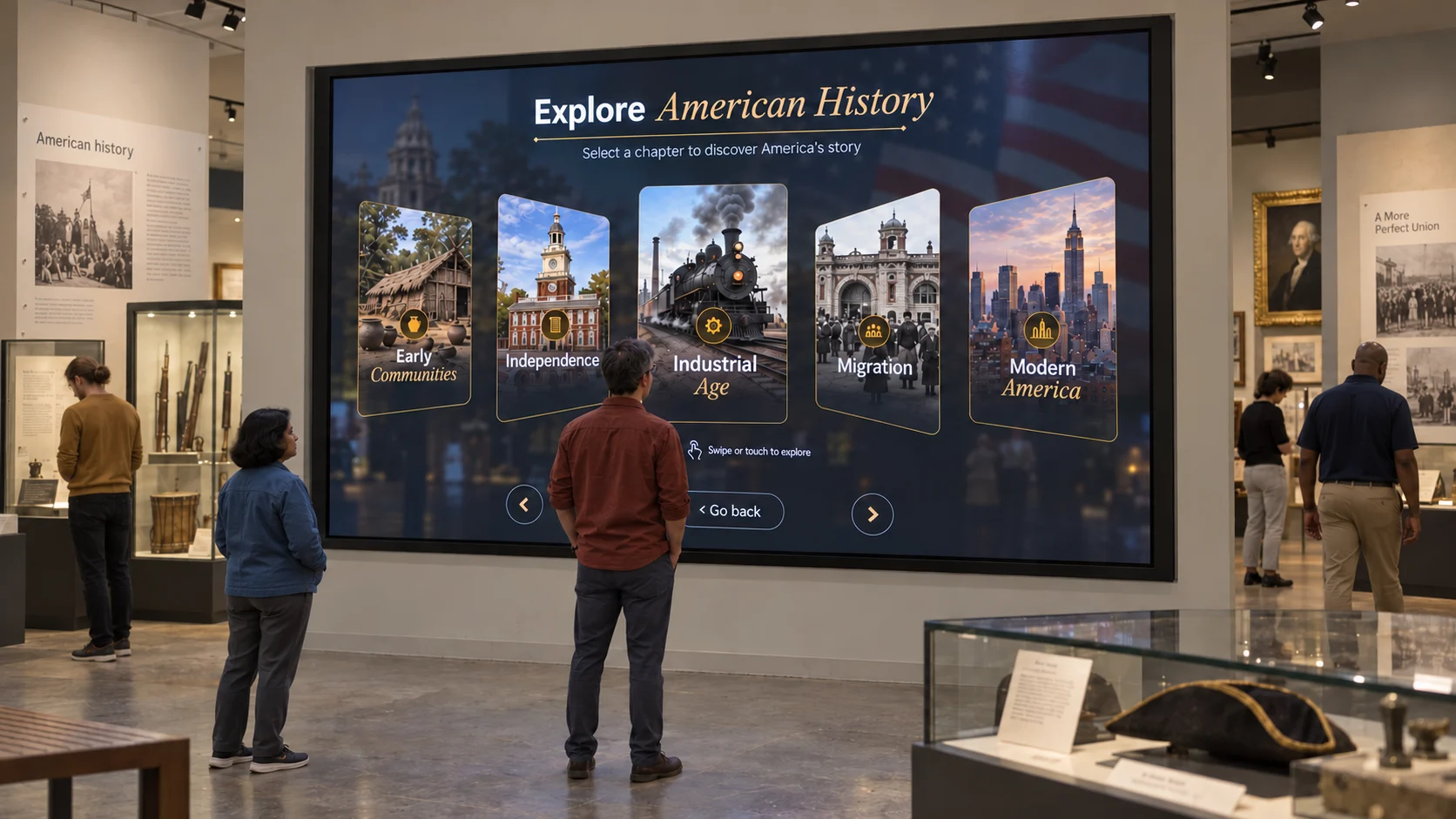
 Timeline
Interactive experiences,
deployed in minutes.
Interactive software for museums, agencies and events.
Choose a Block. Add your content. Make it yours.
Timeline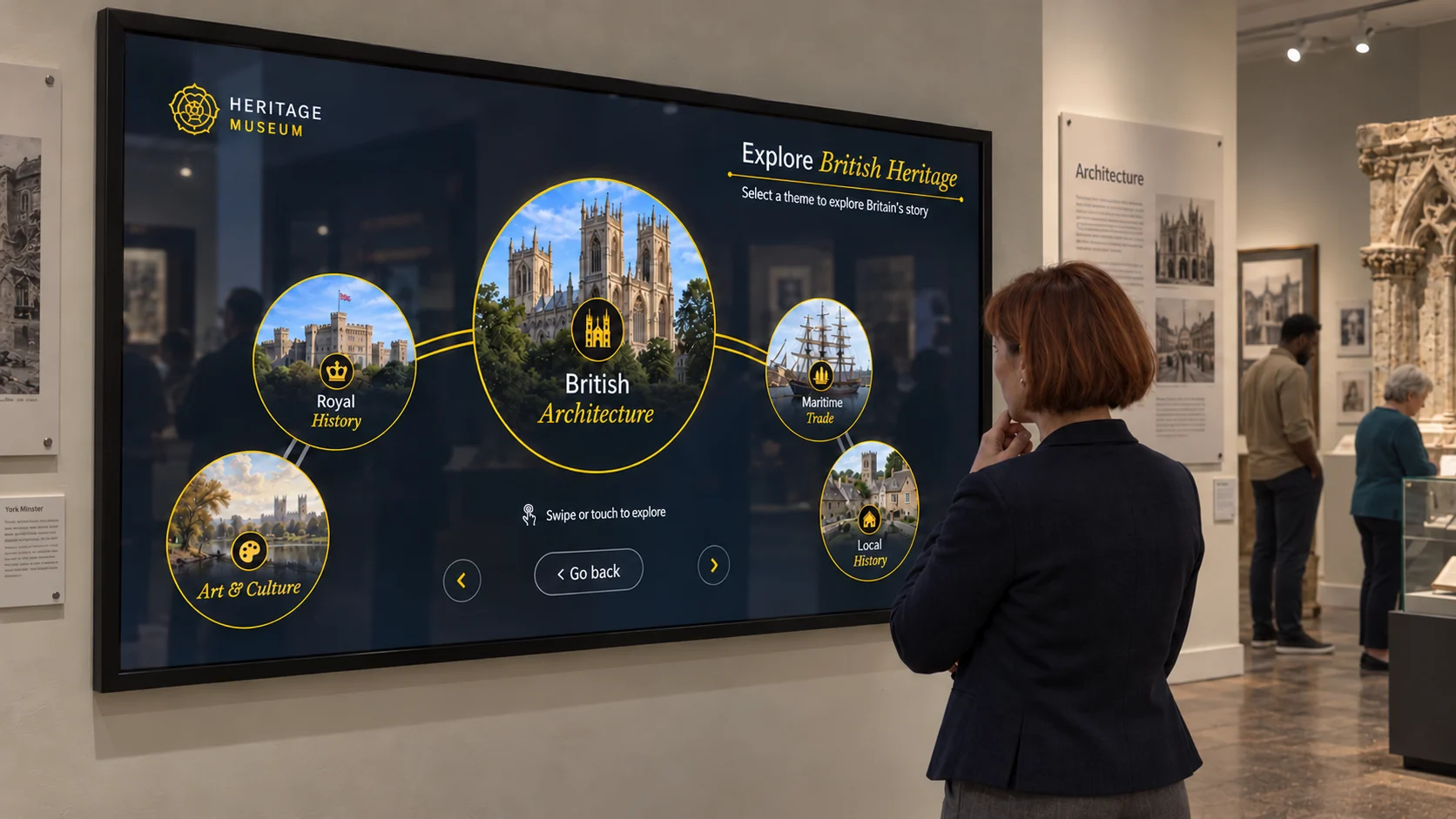 Carousel
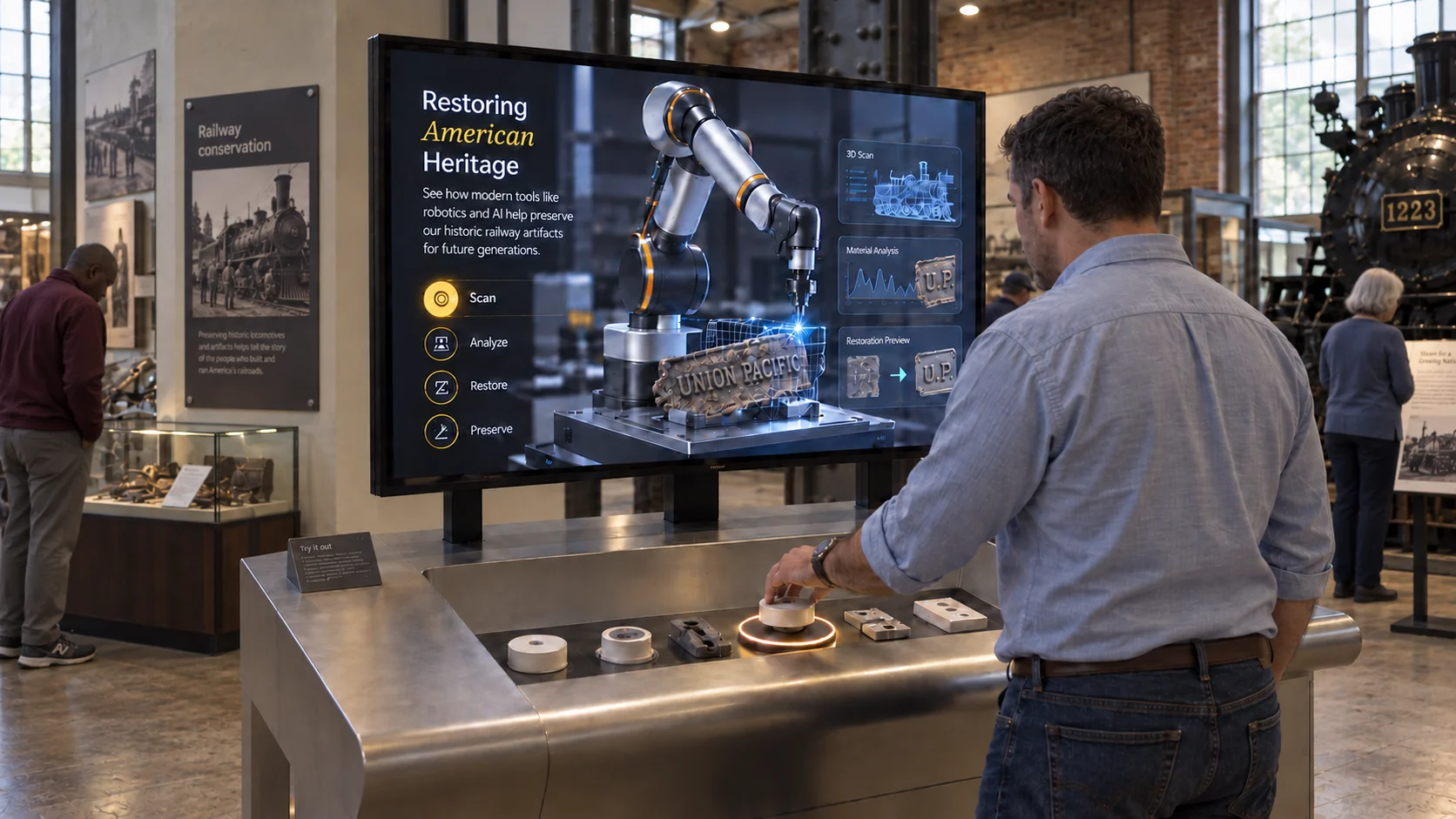 RFID · Pick & Place
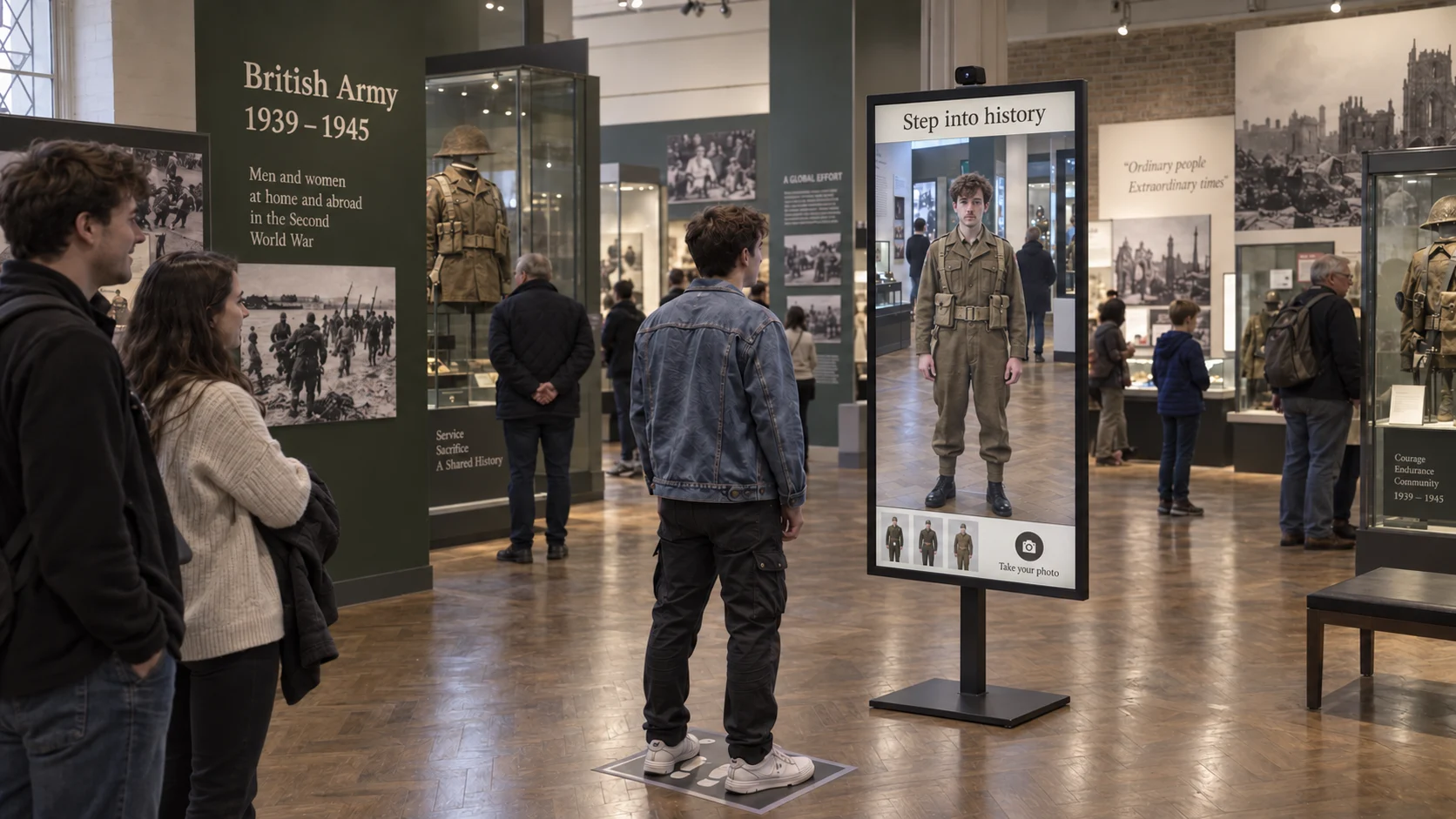 Photobooth
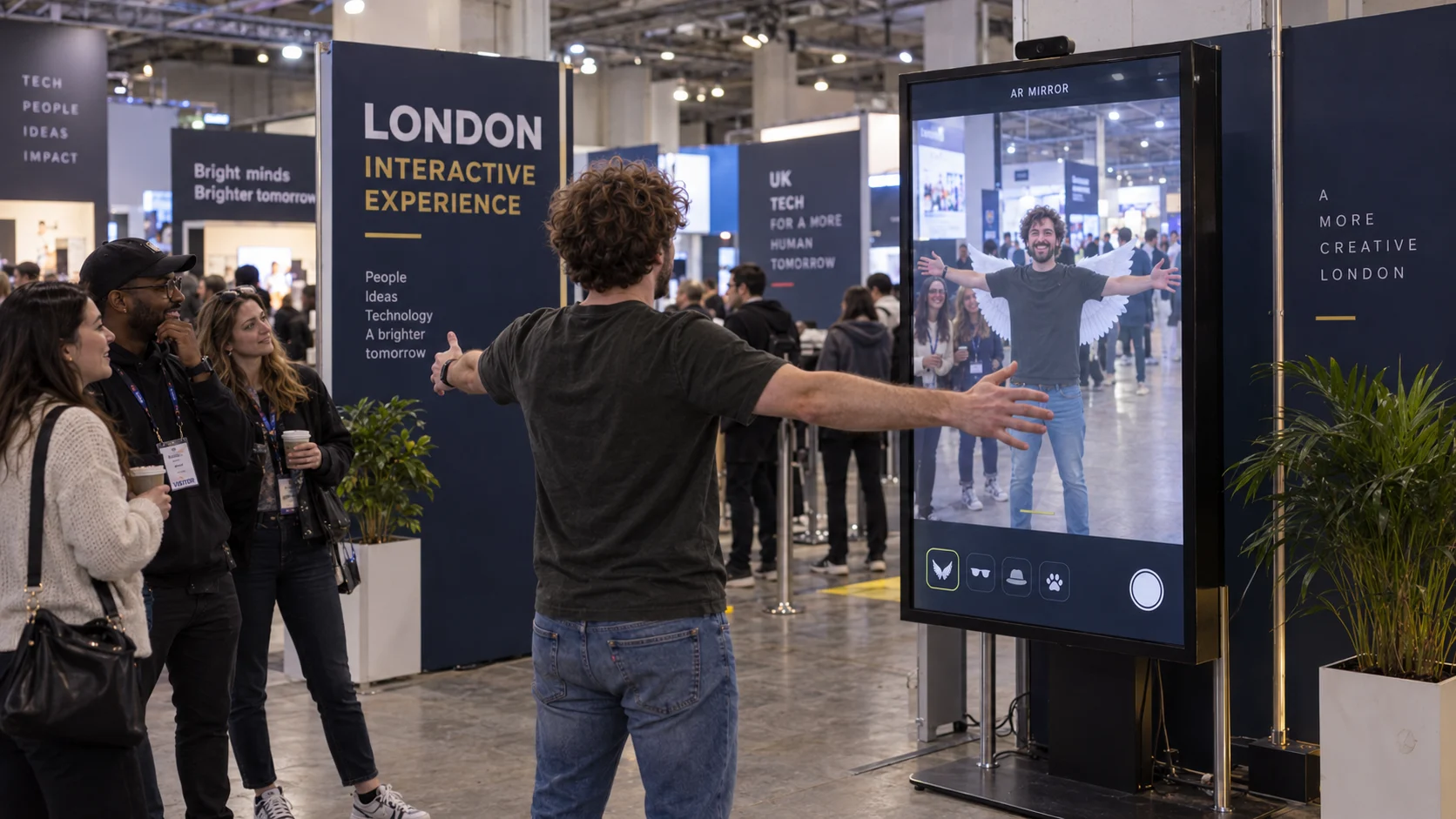 AR · Effects
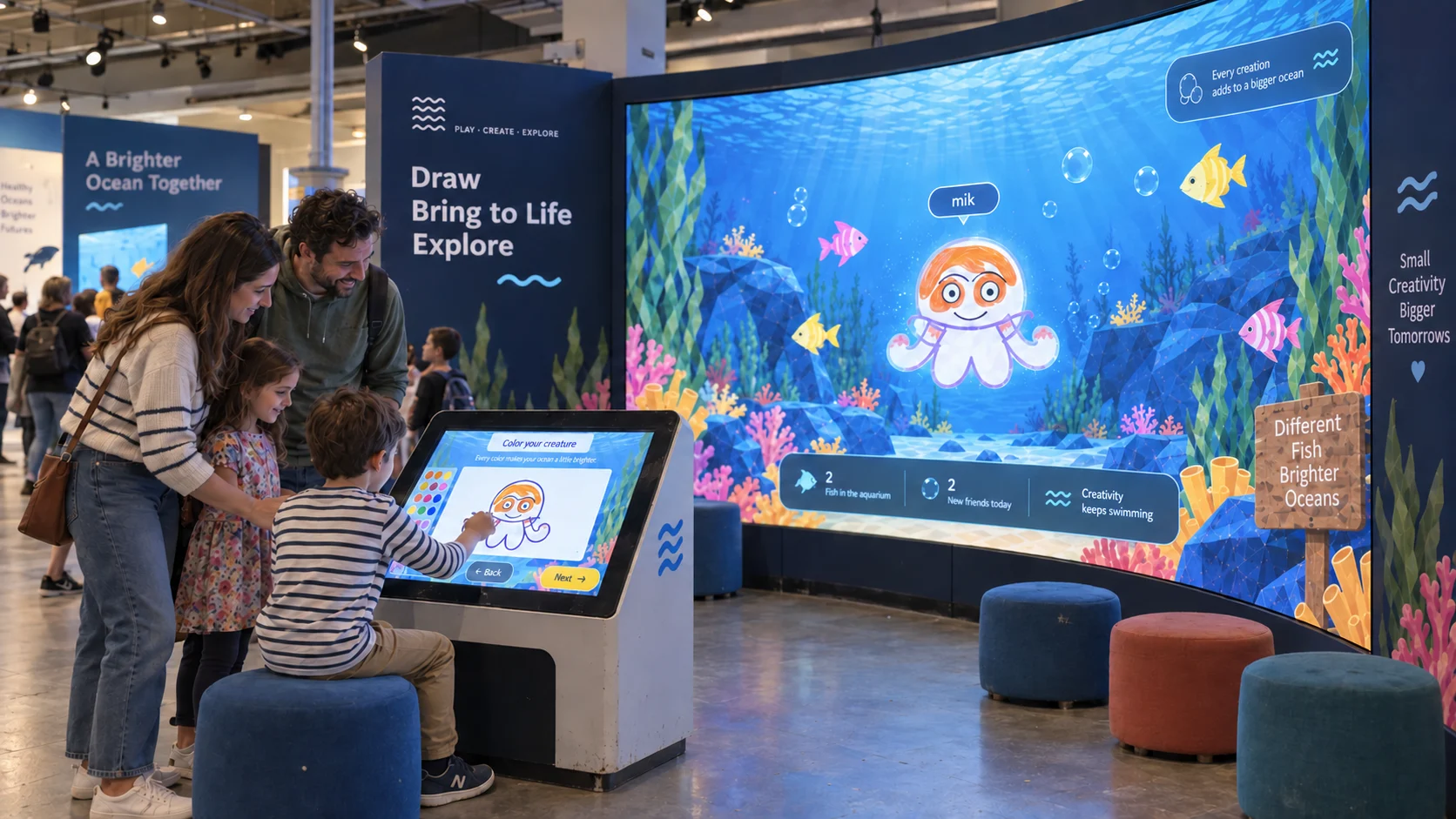 Draw
Draw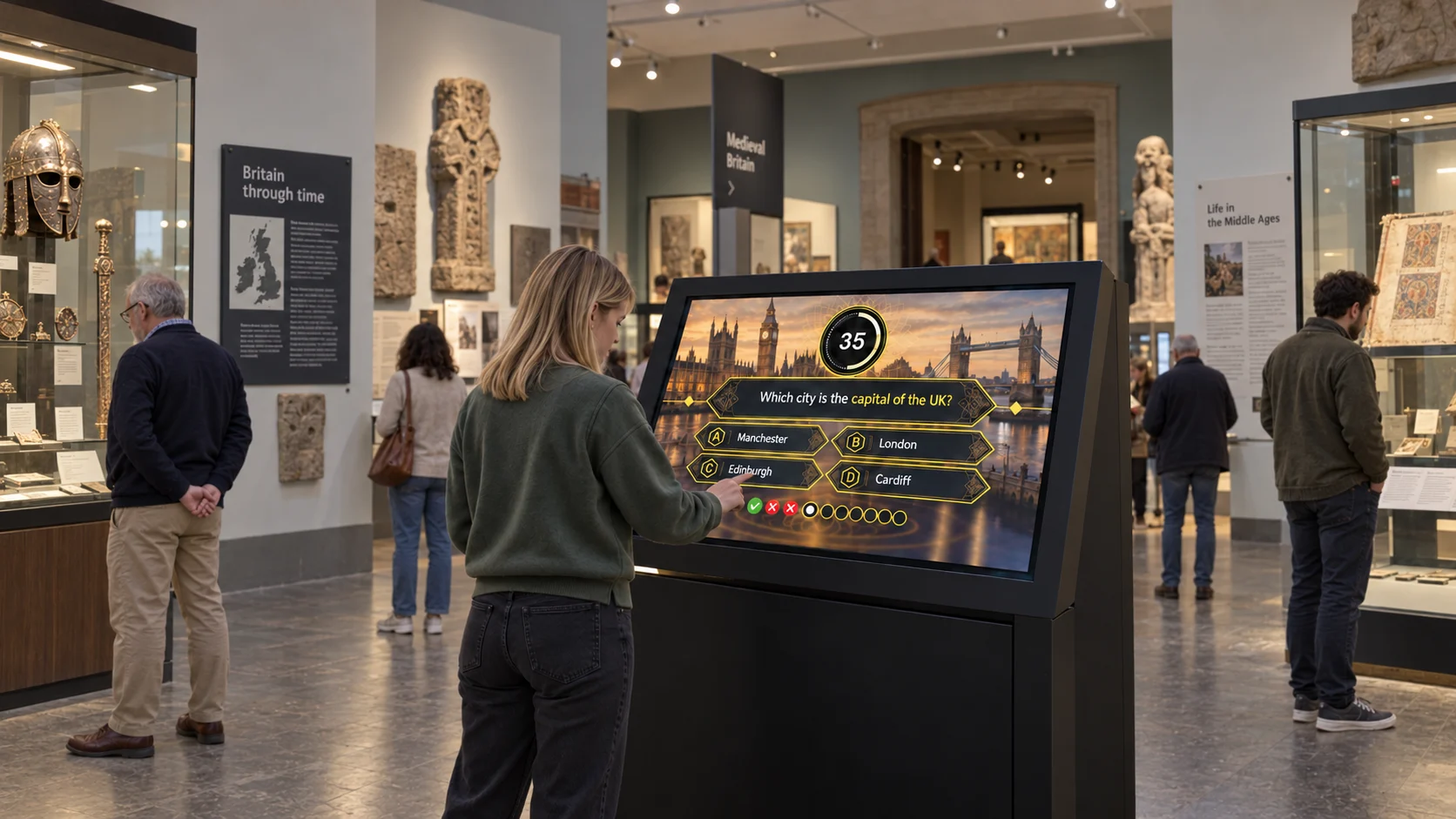 Quiz
Quiz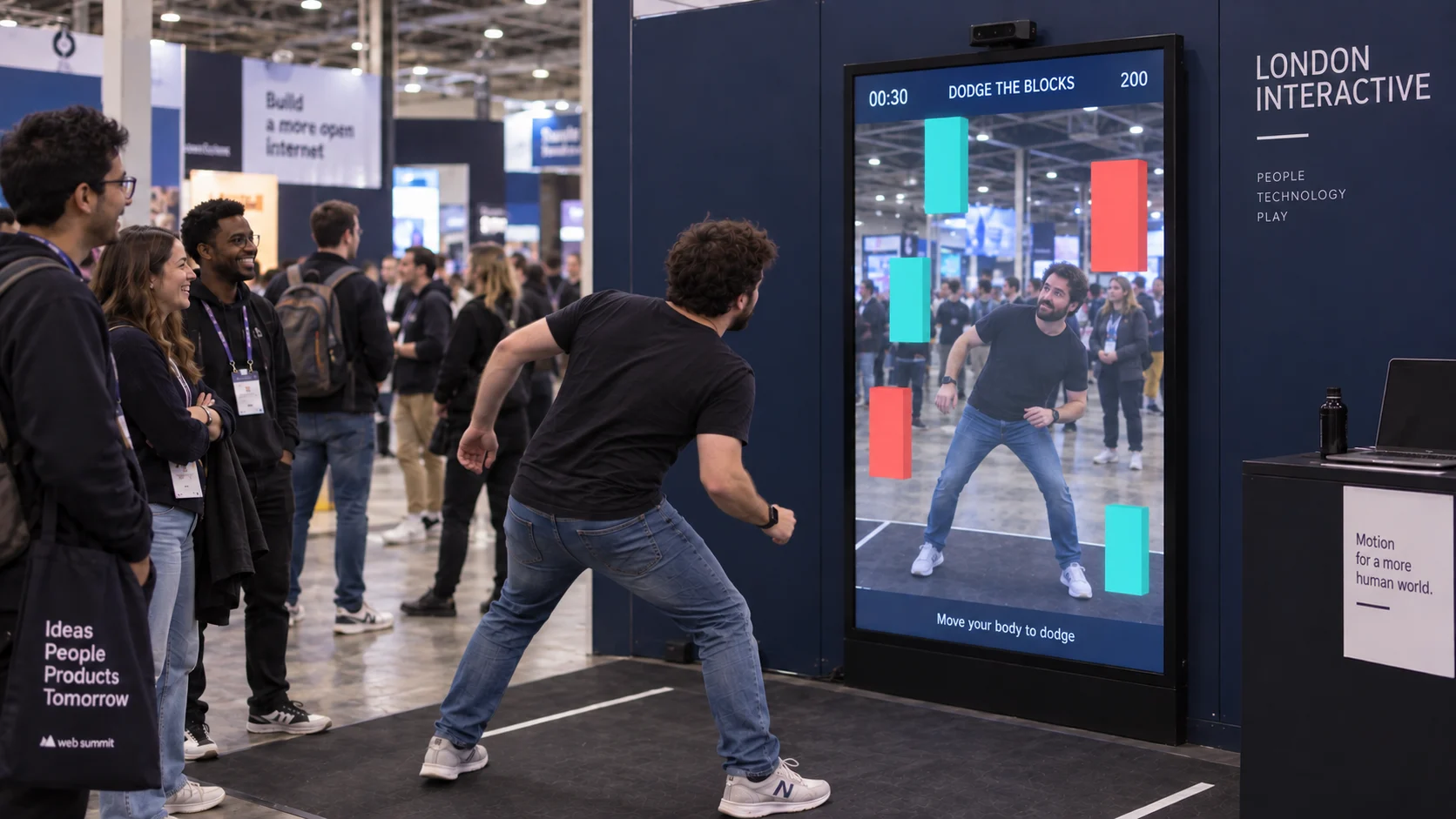 Gamification
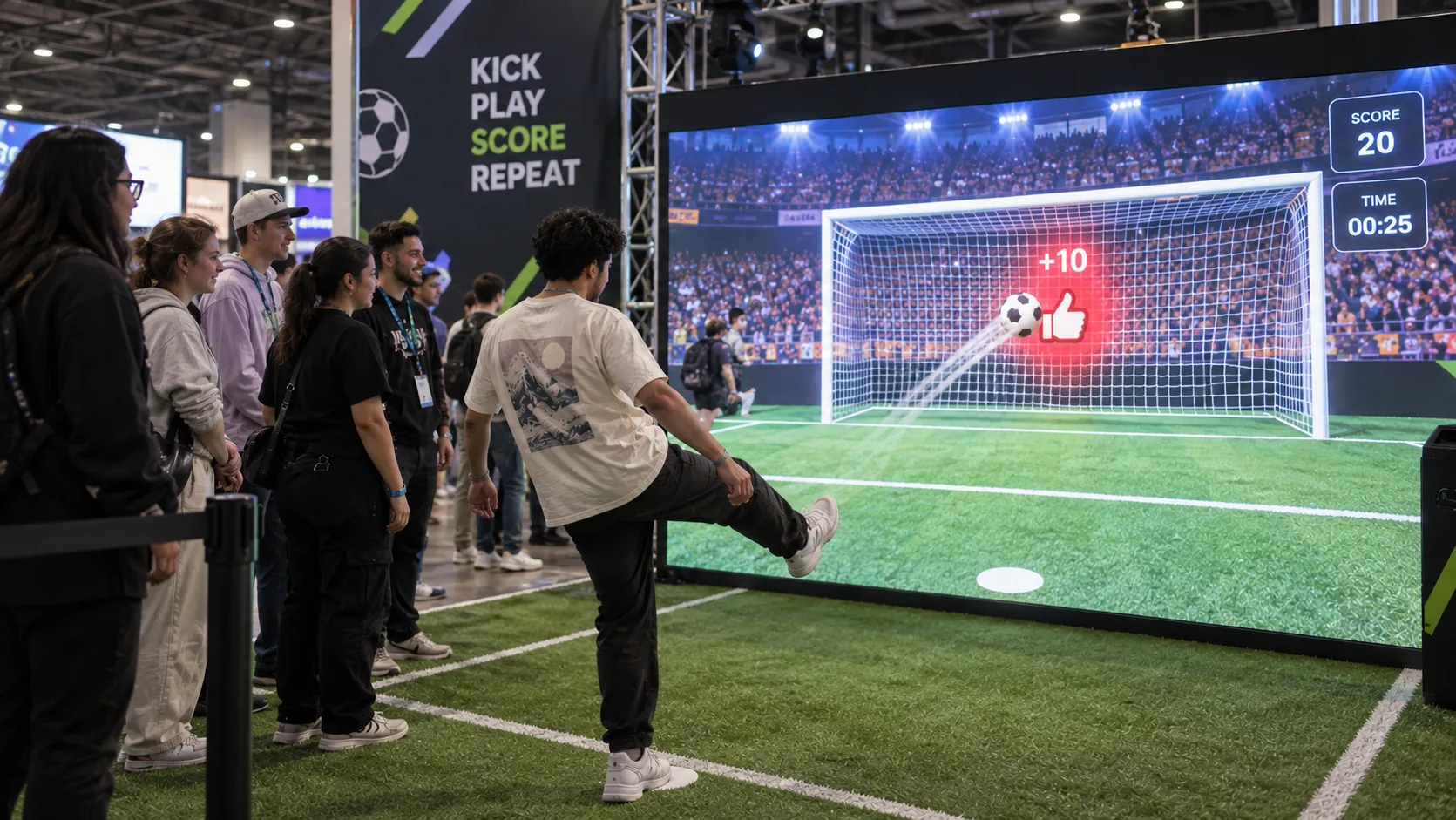 Sports
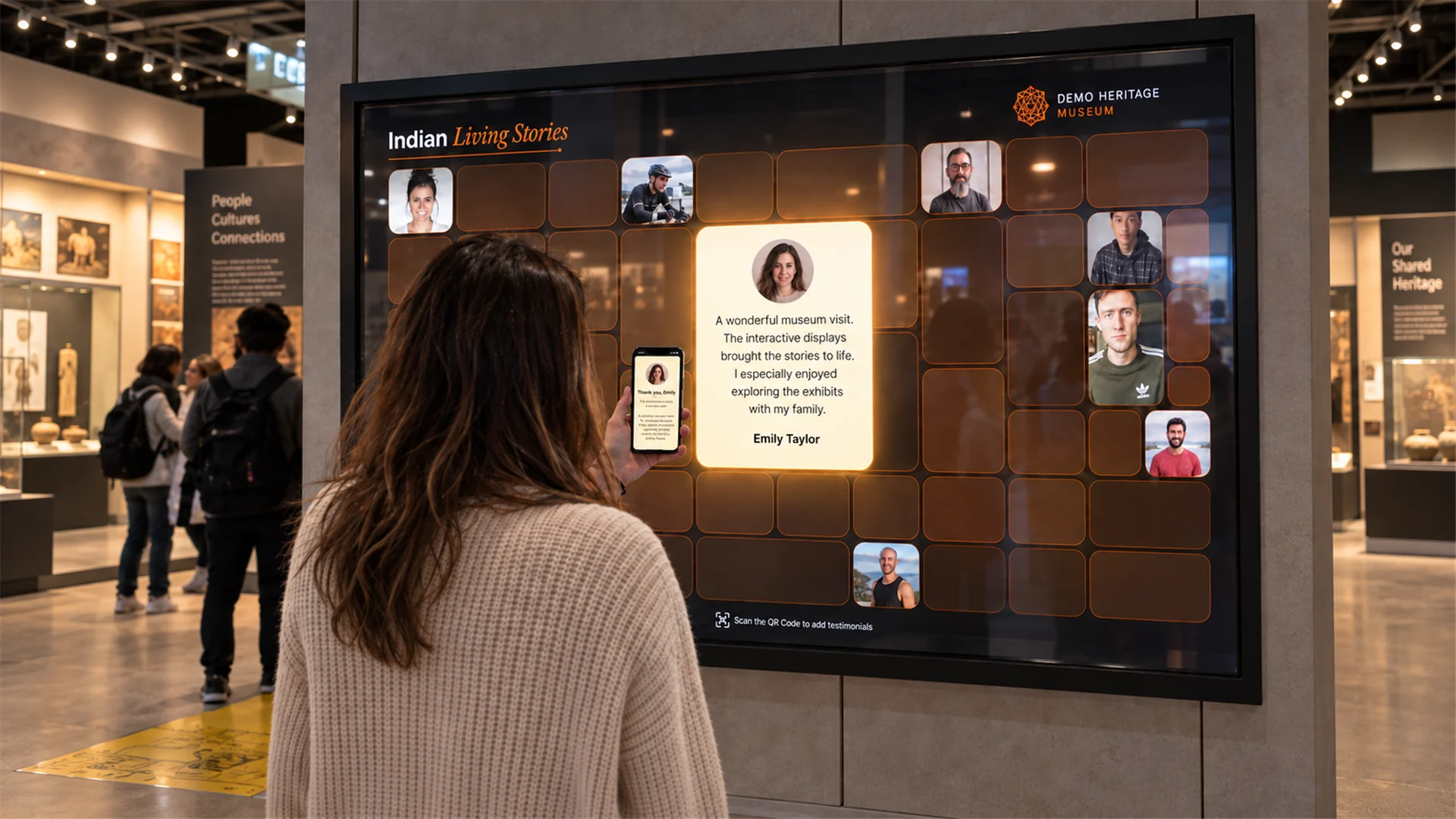 Testimonial
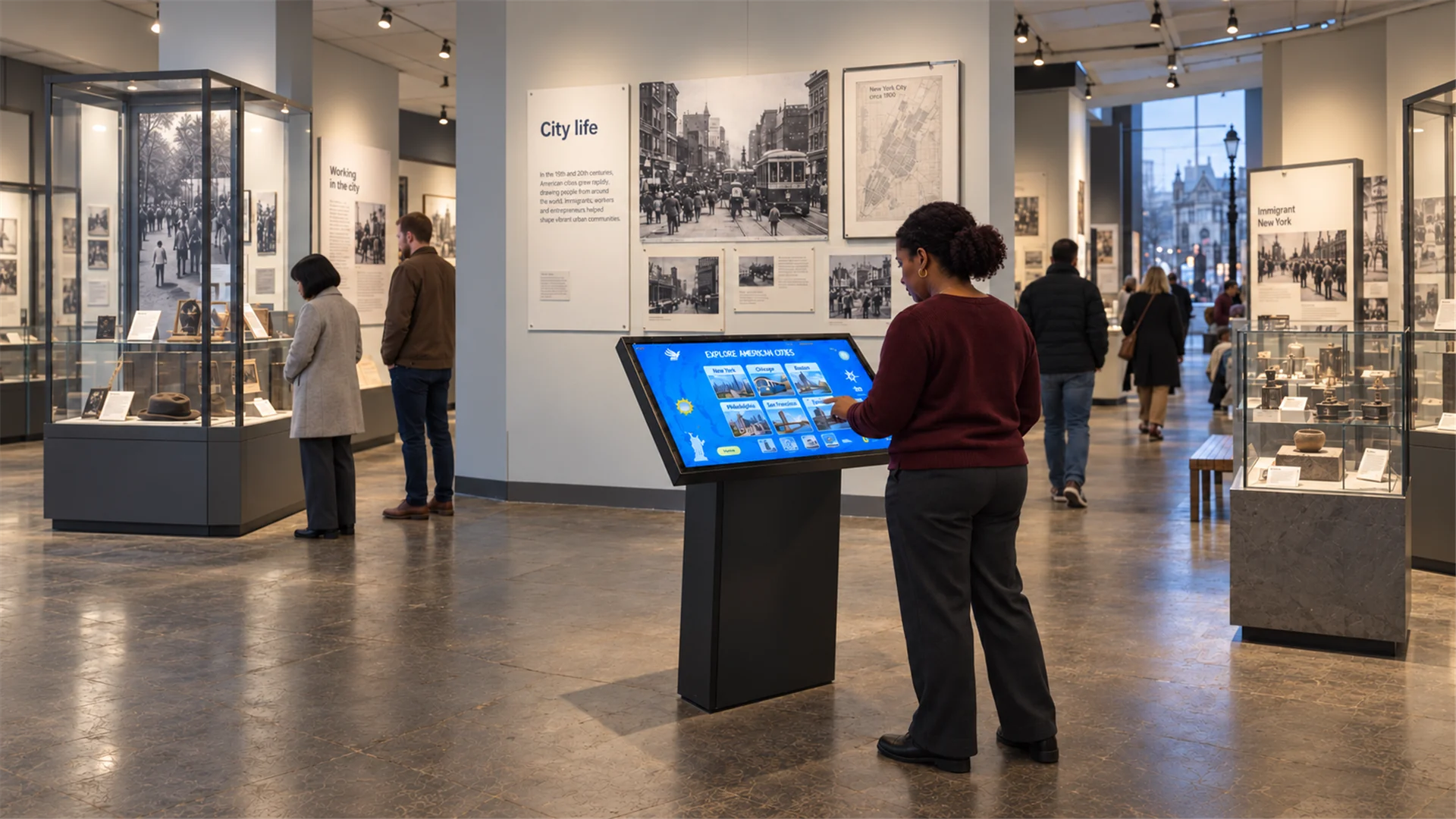 Kiosk
Kiosk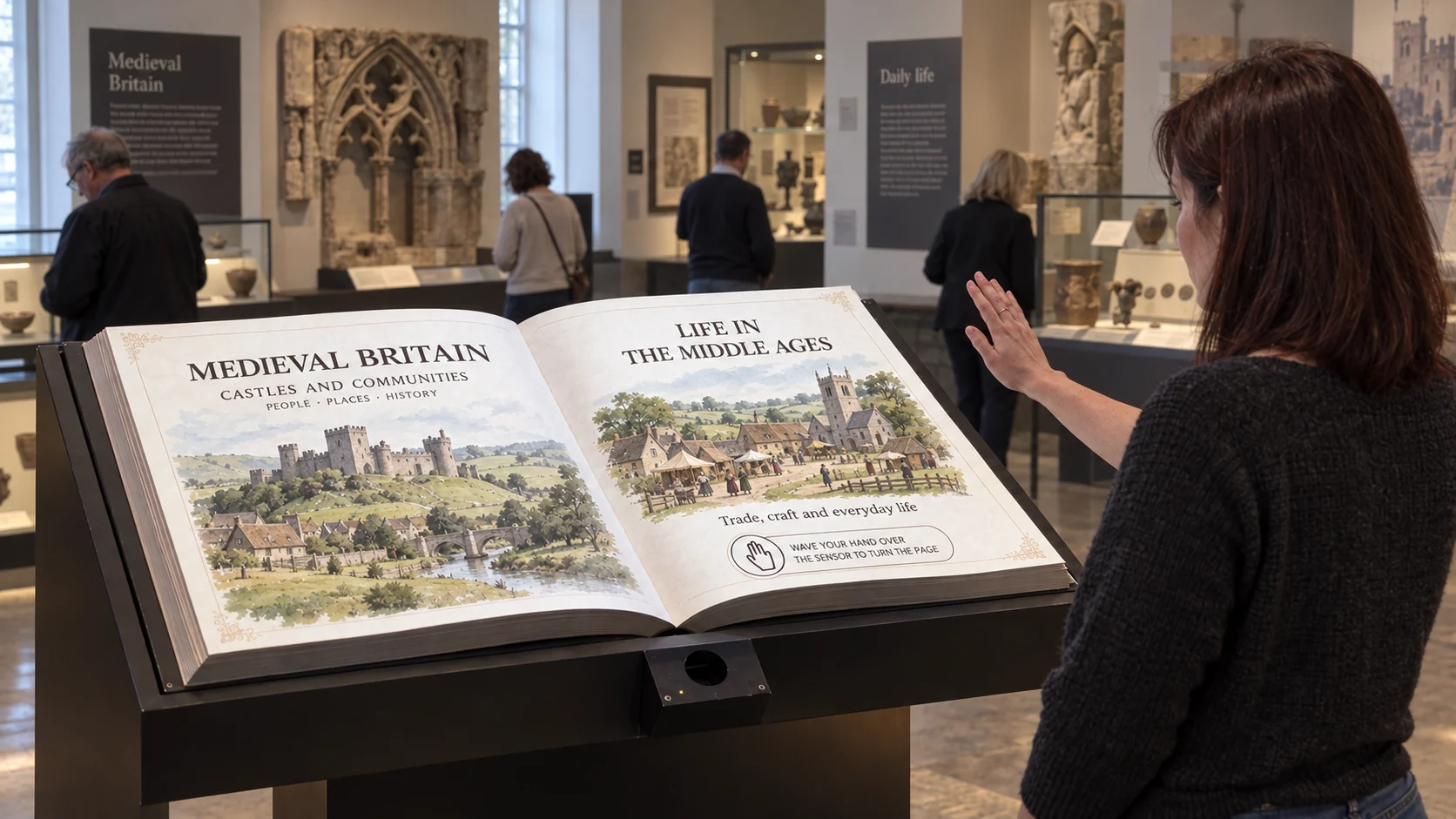 Flipbook
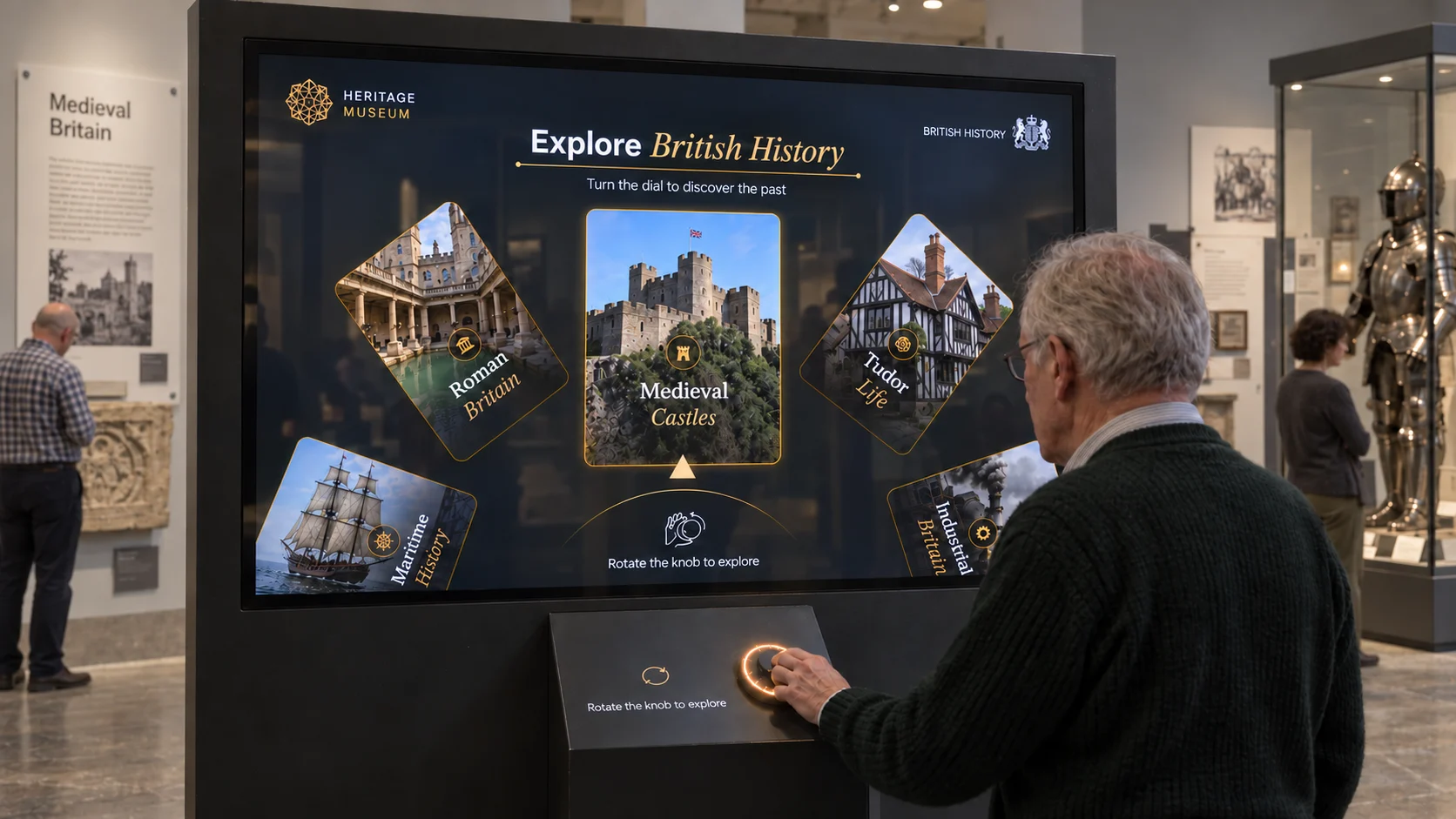 Dial
Dial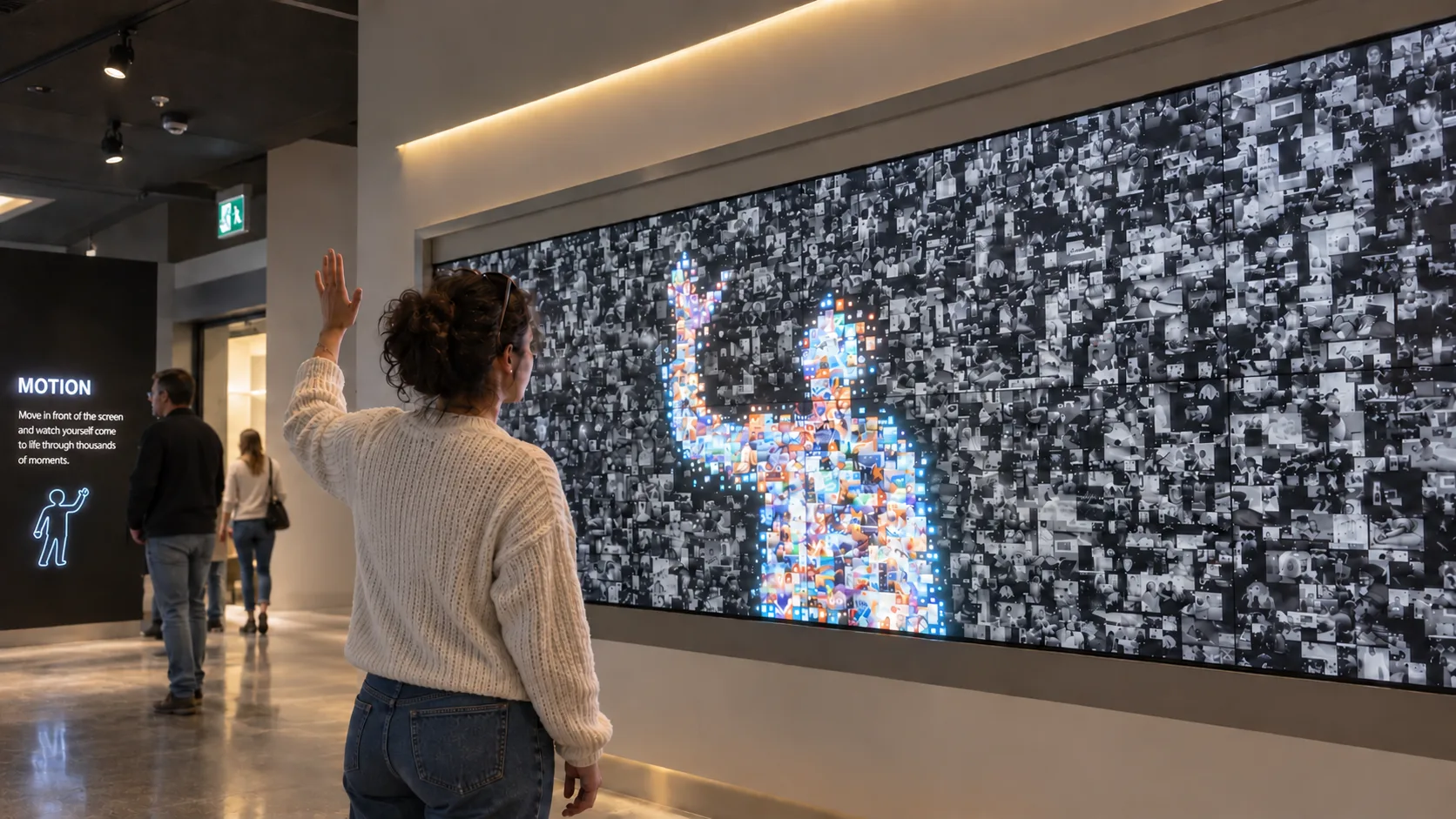 Motion
Join the beta
Make your first experience.
Request WEEV Studio beta access. We’ll email you with the next steps.
The Block library
Explore all 14 Blocks A Block for every venue.
Start with a ready-made interaction. Find the one that fits your audience and your space.

One connected workflow
From idea to installation.
Three clear steps.
Start with a working Block, shape the content in Studio, then export it for WEEV Player. Selected templates are available during beta.
Start with a ready-made interaction that fits what visitors should do.
Create locally. Run. Measure.In real spaces

Ideas that made it into the room.
See how interactive ideas became experiences people could explore.
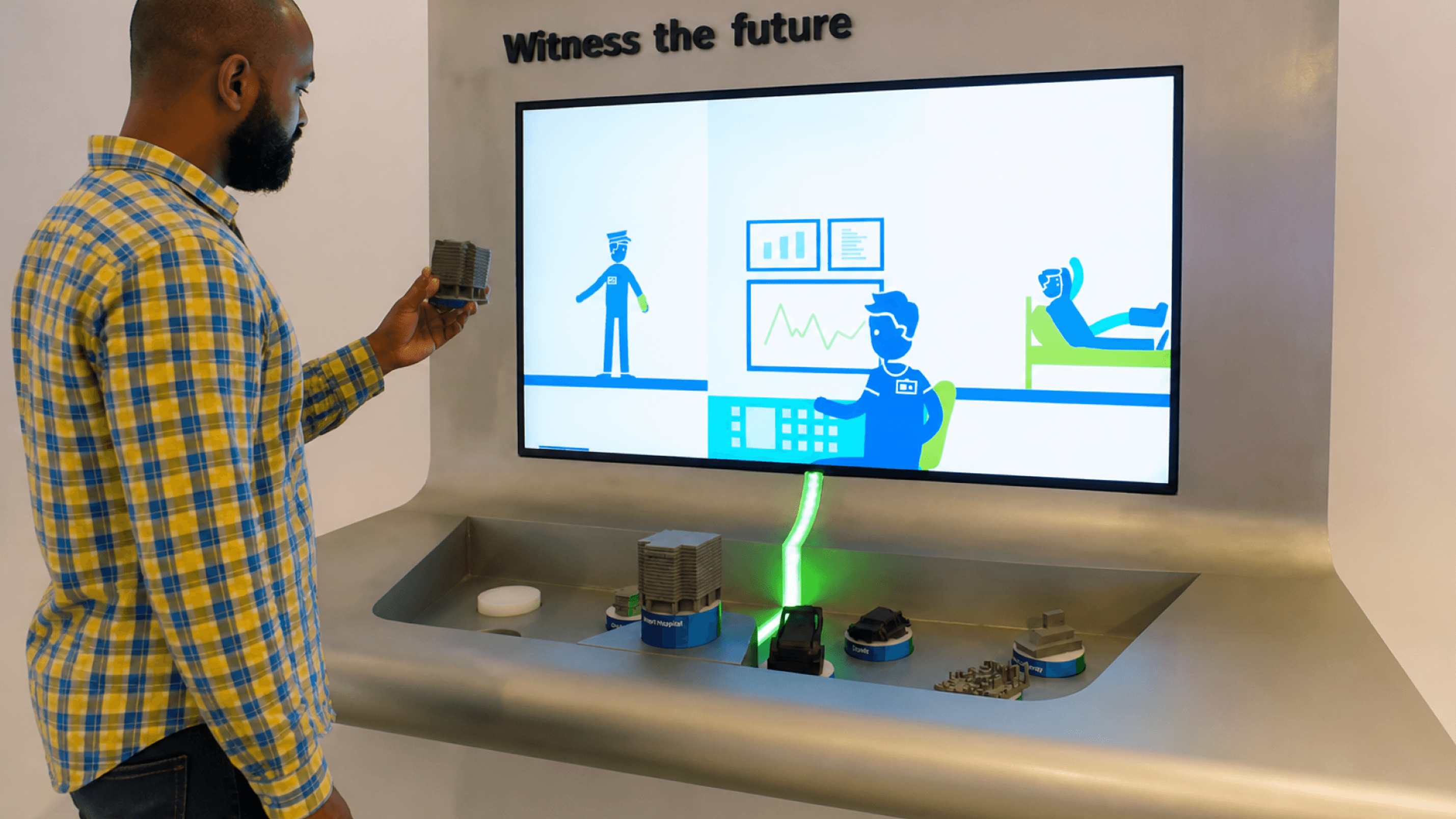 RFID · Pick & Place
Bosch Museum
Brand experience centre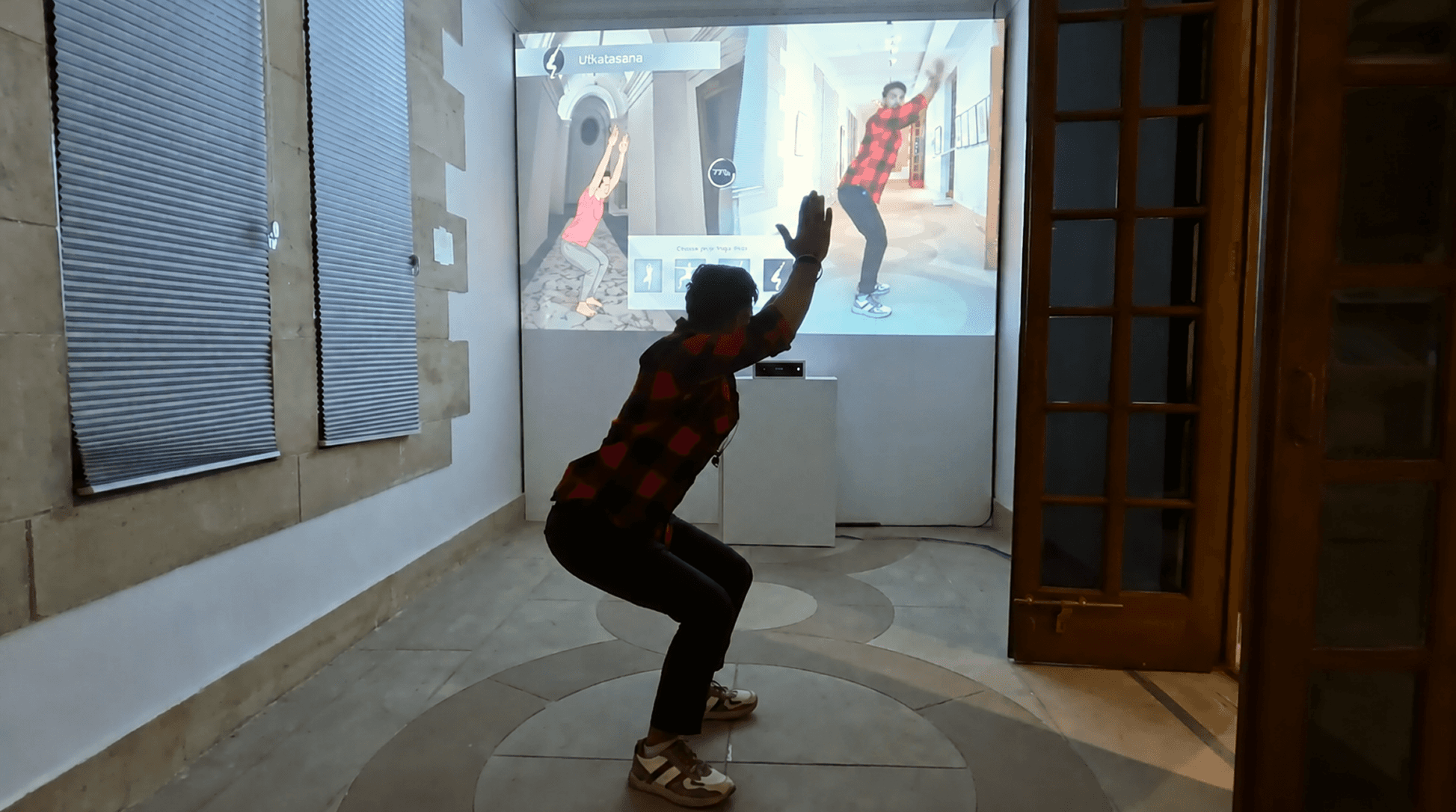 Gamification
Roots & Routes
G20 Exhibition, Delhi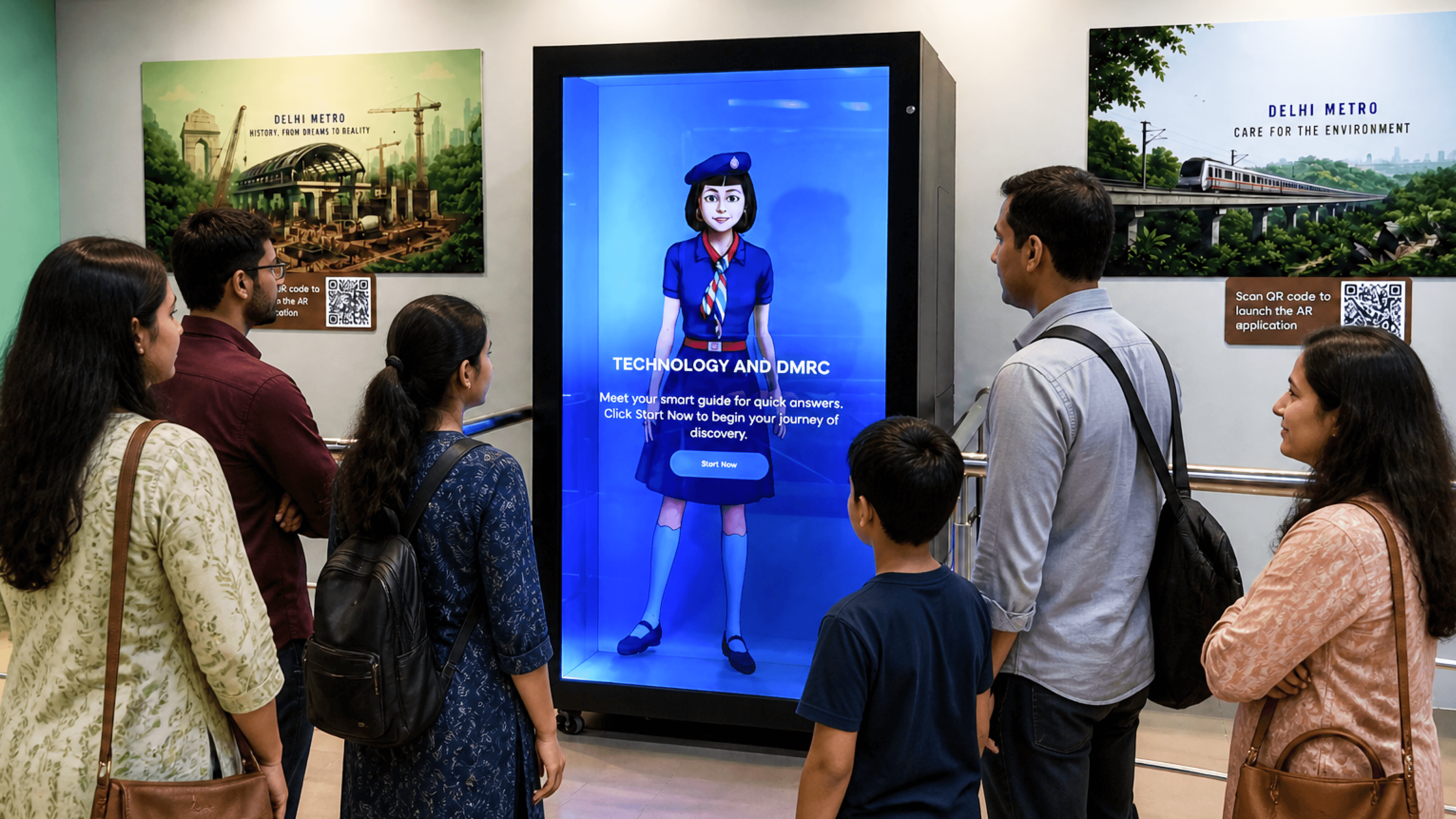 RFID · Pick & Place
Delhi Ridge Interpretation Center
Delhi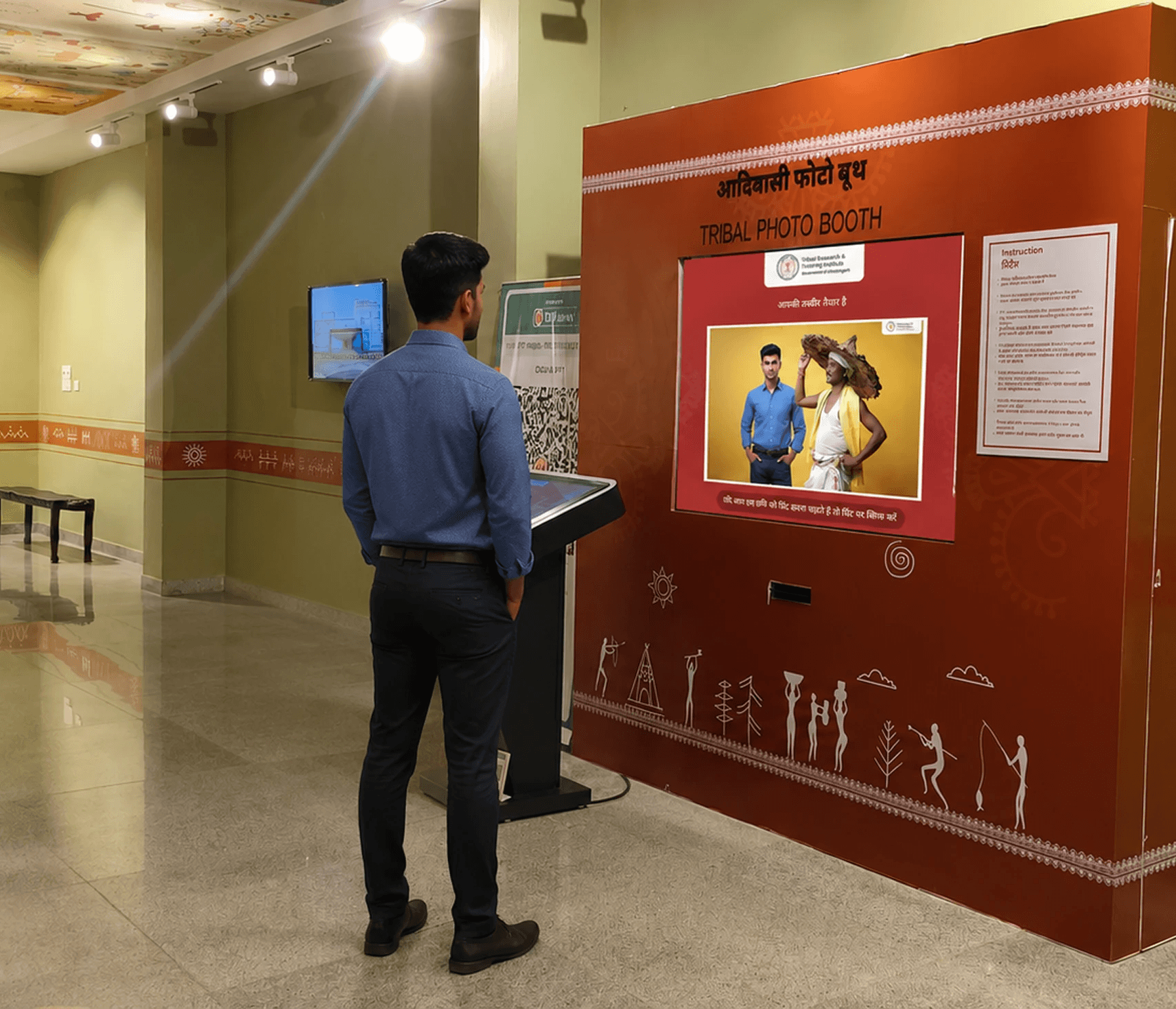 Photobooth
Tribal Museum
Raipur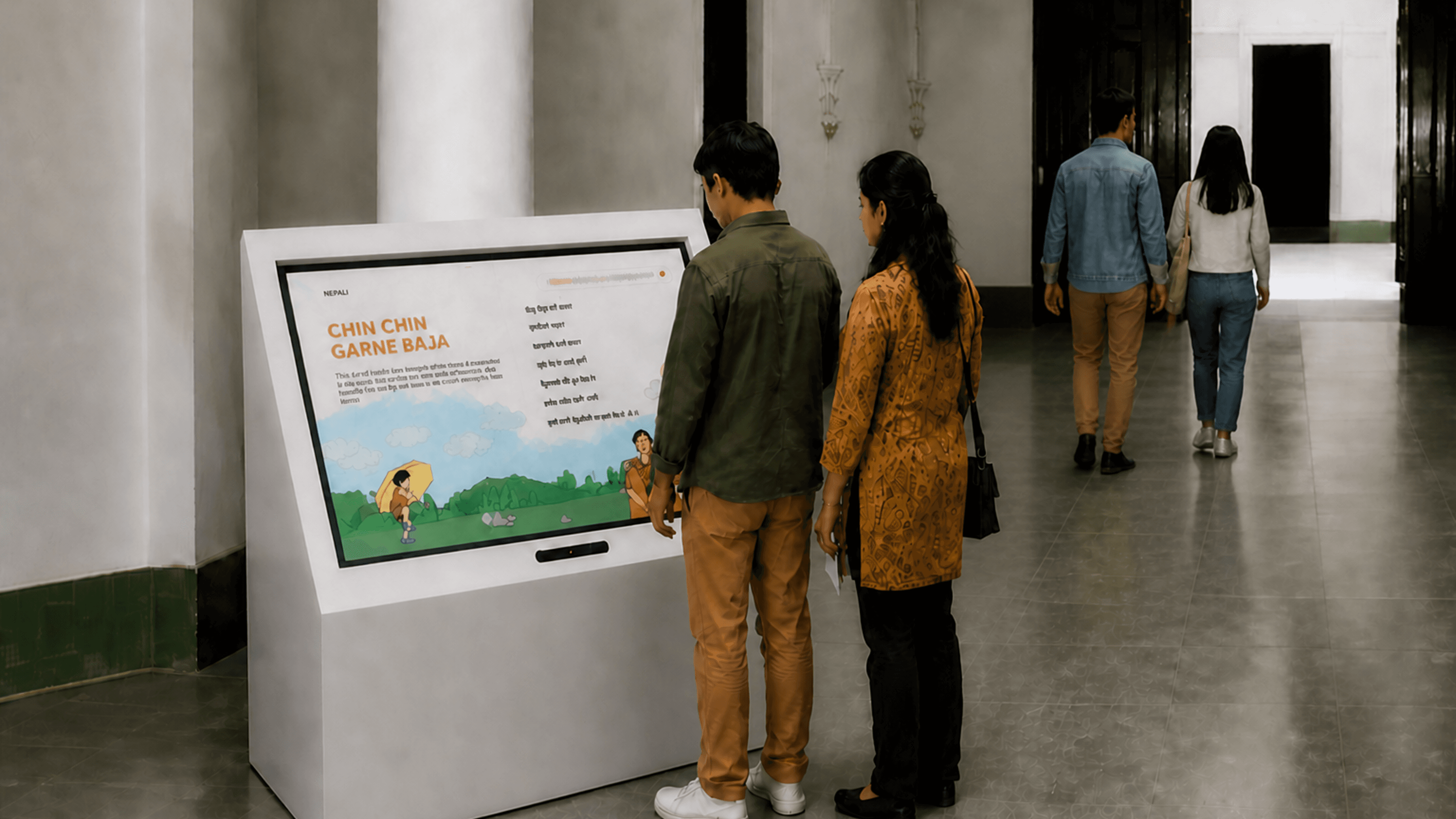 Kiosk
KioskMuseum of Words
Kolkata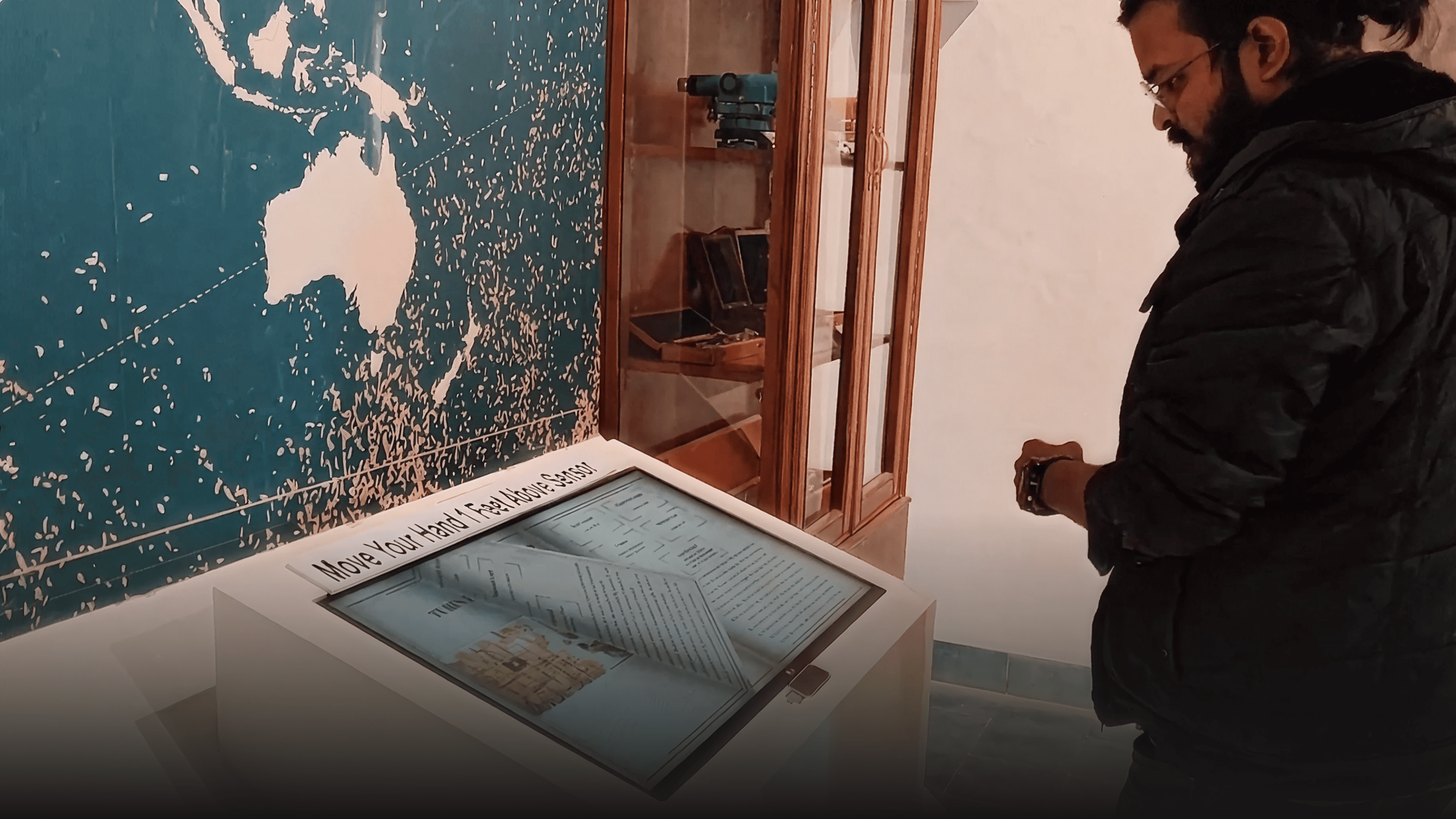 Kiosk
KioskCartography Museum
Mussoorie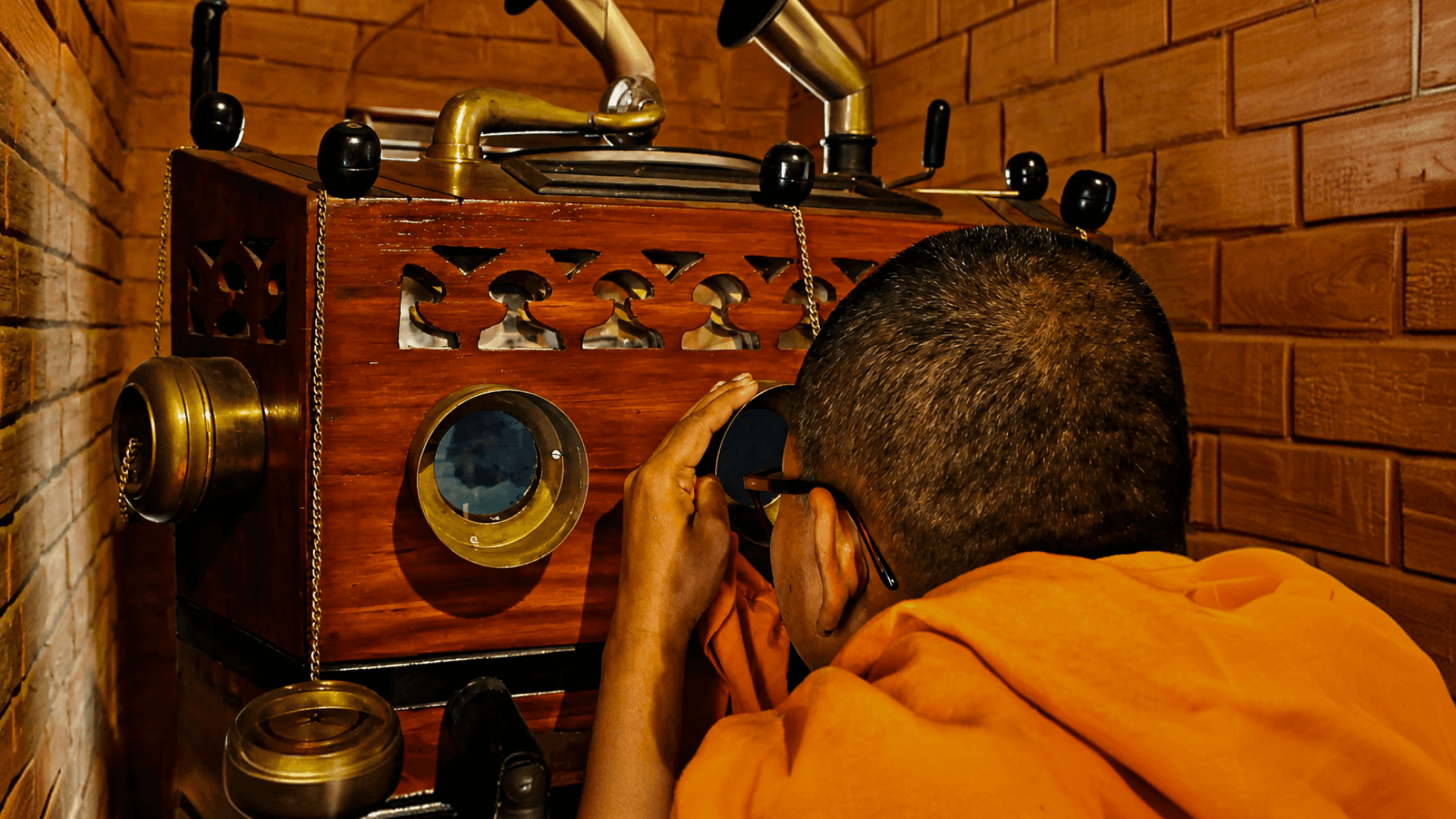 Kiosk
KioskSister Nivedita Heritage Knowledge Center
Kolkata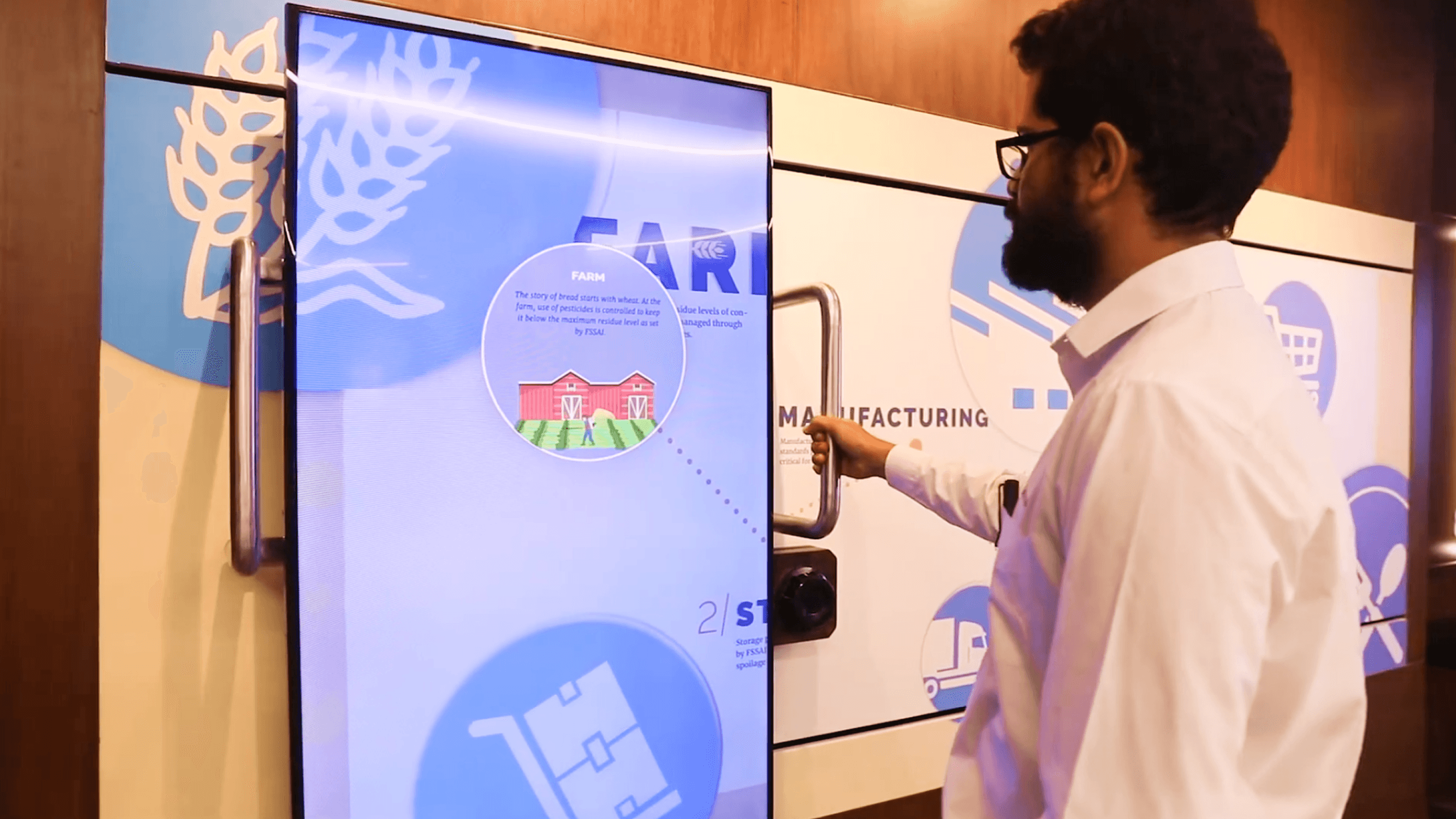 Kiosk
KioskFSSAI Experience Centre
Food safety & educationInside WEEV
Explore WEEV Studio Everything you need, built in.
Start with the interaction. Shape the content, brand it and prepare it for the room in one workflow.
Click to edit
Change the words, images and media in a Block without rebuilding the interaction.
Content in one place
Manage collections and stories in the built-in Studio CMS.
Make it yours
Apply your colours, logo and visual assets across the experience.
Multiple languages
Prepare and preview the content visitors will see in each language.
Ready for the room
Run exported experiences locally in Player on compatible hardware.
More than one screen
Add seats when the same unchanged WEEV file runs at more locations.
Different ways to interact
Choose touch, motion, camera or physical inputs to suit the space.
Back to the start
Set the experience to return to its opening state for the next visitor.
Good to know
The practical questions.
Get clear on customisation, hardware and what happens after launch.
See all FAQsWhat can we customise?
Content, branding and the available visual settings. Each block has its own configuration options; its page explains what can change. Experiences beyond those options can be scoped with DJX Labs.
What hardware do we need?
It depends on the block: a touchscreen, camera, sensor, physical interface or a combination. Share your existing equipment and we’ll confirm the required setup before you commit.
How does beta access work?
Request access to WEEV Studio during beta and begin with selected templates. Exporting and activating a licensed WEEV file uses credits; AI-powered features may have additional credit usage. Hardware, content production, installation and custom development remain separate.
What happens after launch?
You can keep updating your content through Studio. Player analytics helps you understand engagement. Discuss the level of ongoing support you need when planning your project.
Plan the installationLet’s make it work
Let’s make it work
in your space.
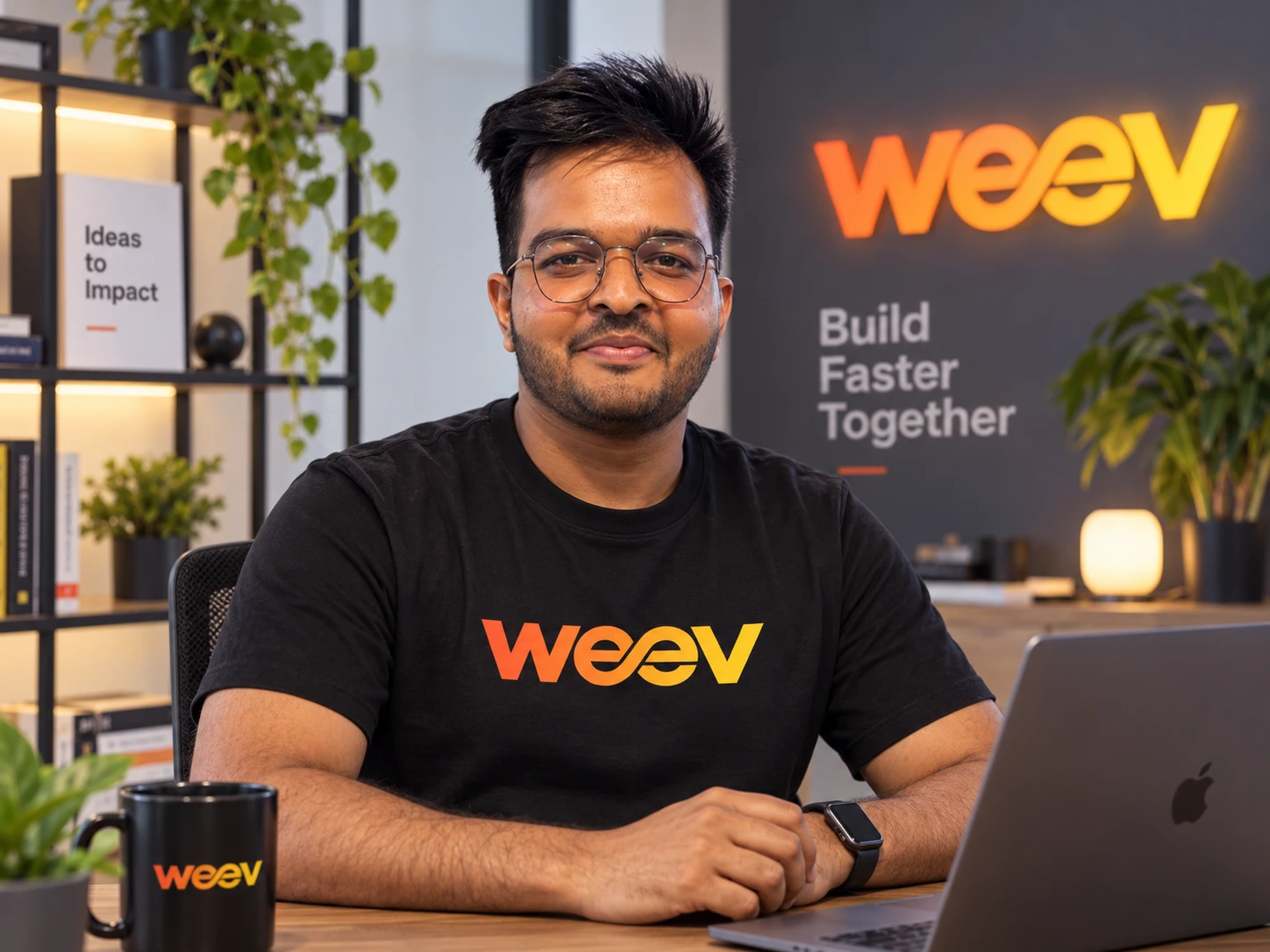
Tell us about your venue, screens, hardware and launch date. Harshit can help you plan a practical WEEV setup.
Harshit SharmaWEEV Innovation Manager
Talk to Harshit on WhatsApp+91 93544 75050