WEEV Blocks

Dial.

Create a tactile interactive exhibit where visitors turn a physical dial to navigate digital stories, products and collections.

Explore Block
The experience

A turn opens a new story.

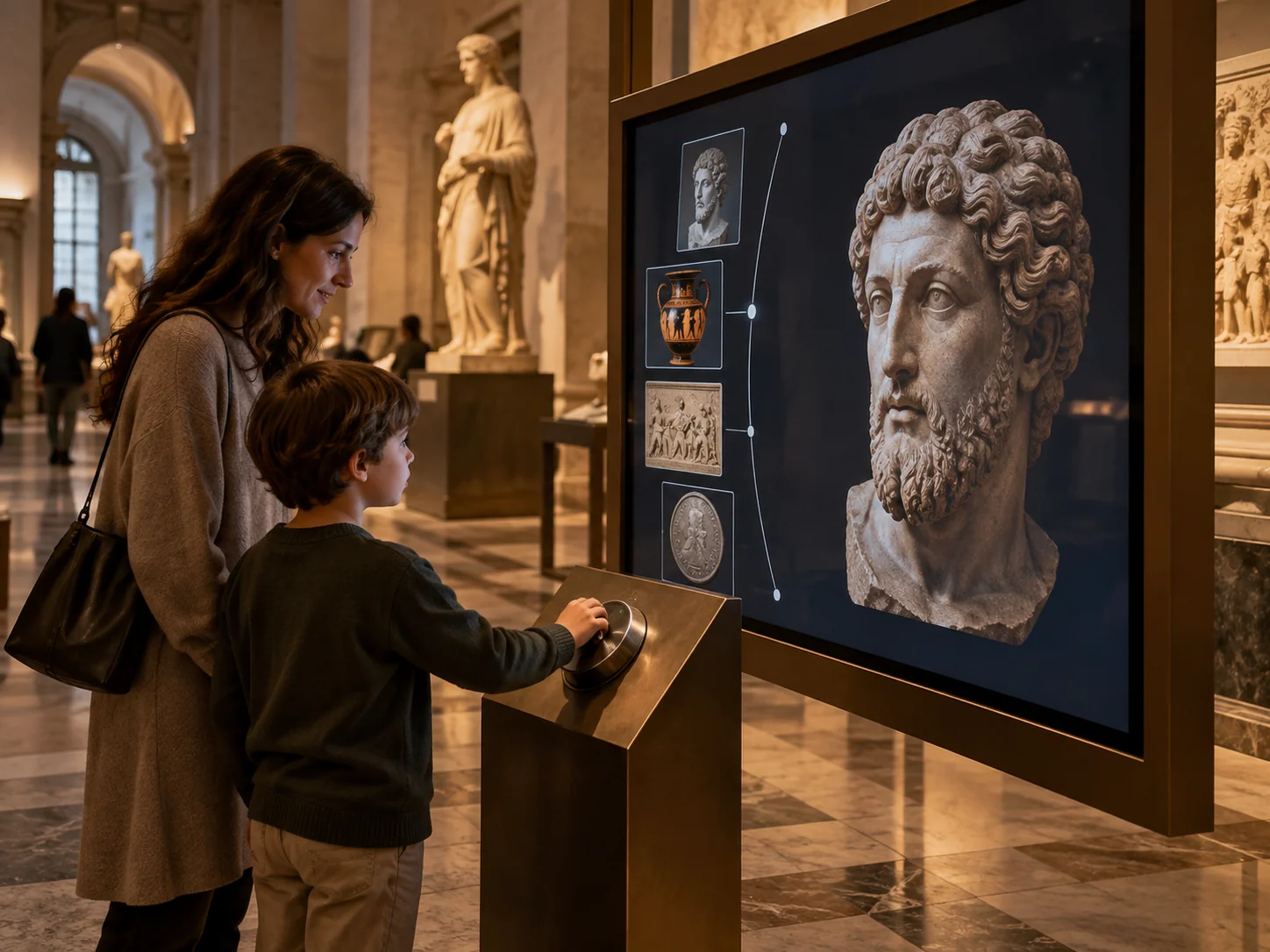
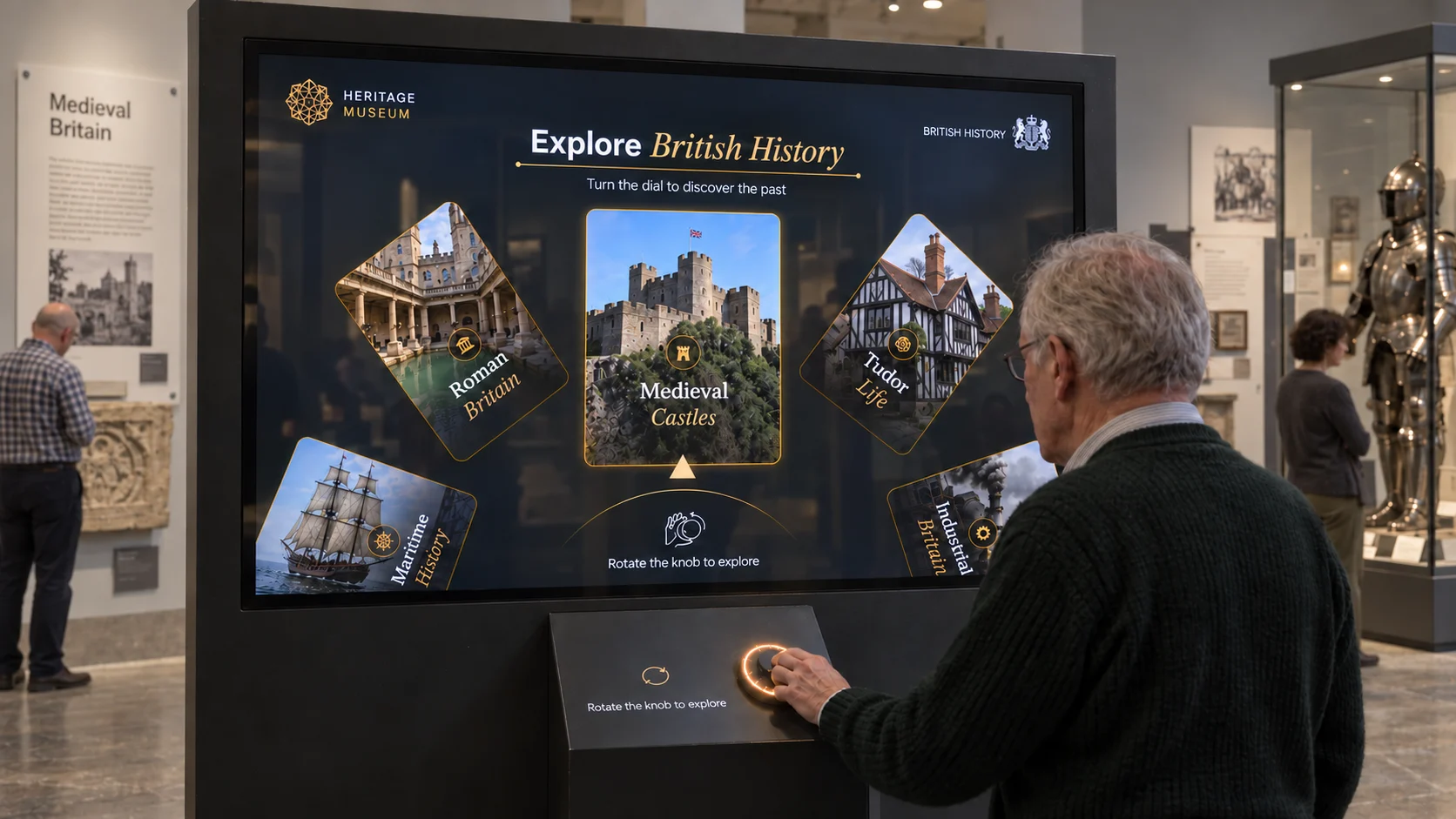
Make content selection tangible. A physical dial gives visitors a satisfying way to move through a digital collection and choose what to explore.

01

Rotate

Turn the dial to start the experience.

02

Press

Press the dial to select a theme.

03

Discover

Dive into rich stories, details and visuals.

Make it yours

Your collection. A turn of discovery.

Build your own content journey around the physical dial. Customise the content, layout and visual identity in WEEV Studio to give every turn a purpose.

  • Content and imagery
  • Display layout
  • Complete visual identity

Our software. Your hardware.Let’s get the setup right.

Explore WEEV Studio
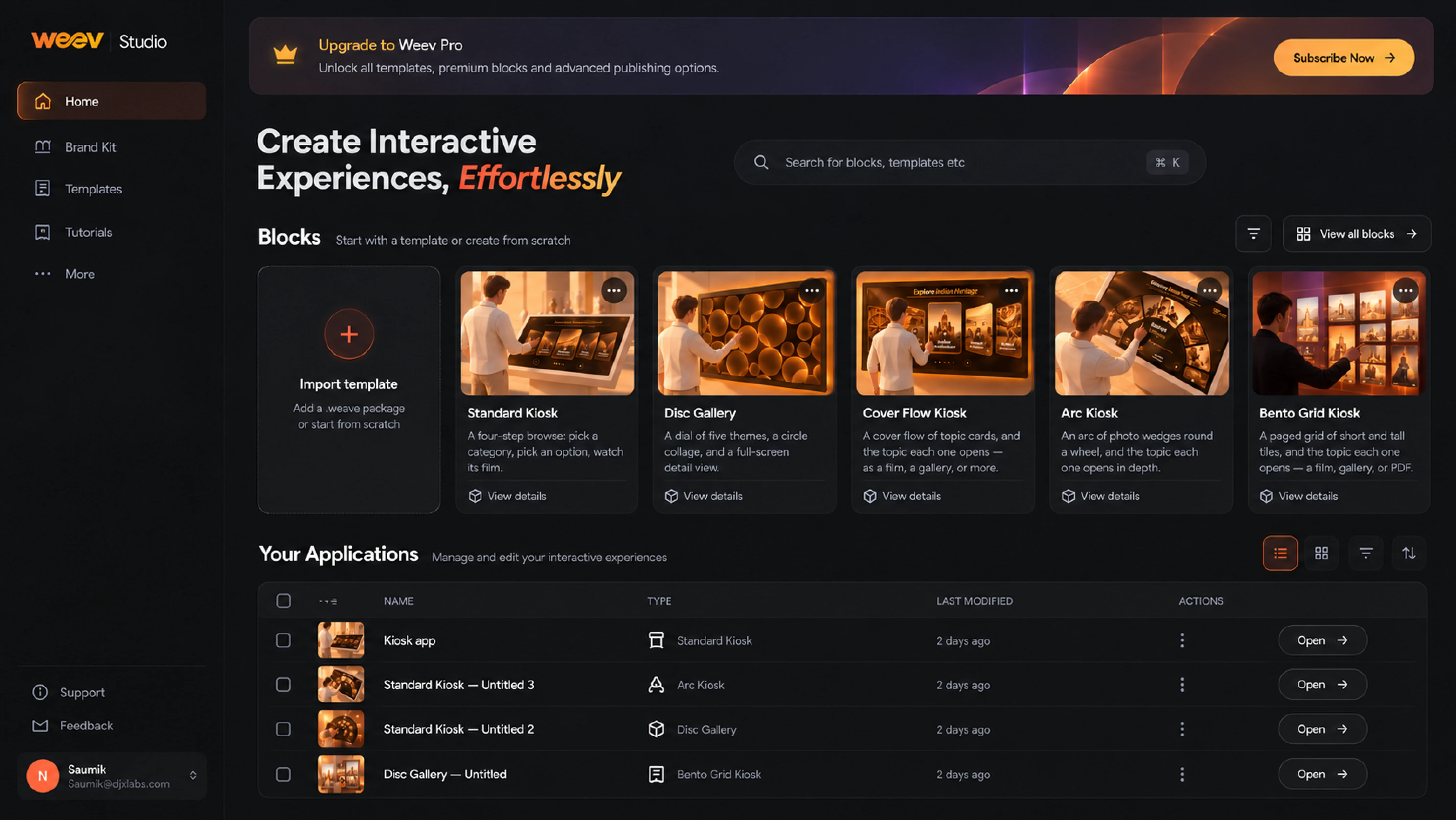
WEEV Studio home showing Blocks, templates and interactive applications
Ready when you are

Ready to make
it yours?

Start with an included template. Shape it around your brief.
Preview it for your space.

Selected templatesIncluded during beta
Your identityContent and visuals
Your deploymentPlan the right setup
Open beta access

Free selected templates

WEEV StudioSelected templatesBeta access

Request WEEV Studio access to explore and customise selected Dial templates. AI-powered templates and features may require credits; hardware and services are separate.

Request beta access
Ideas for your space

See Dial
in a different setting.

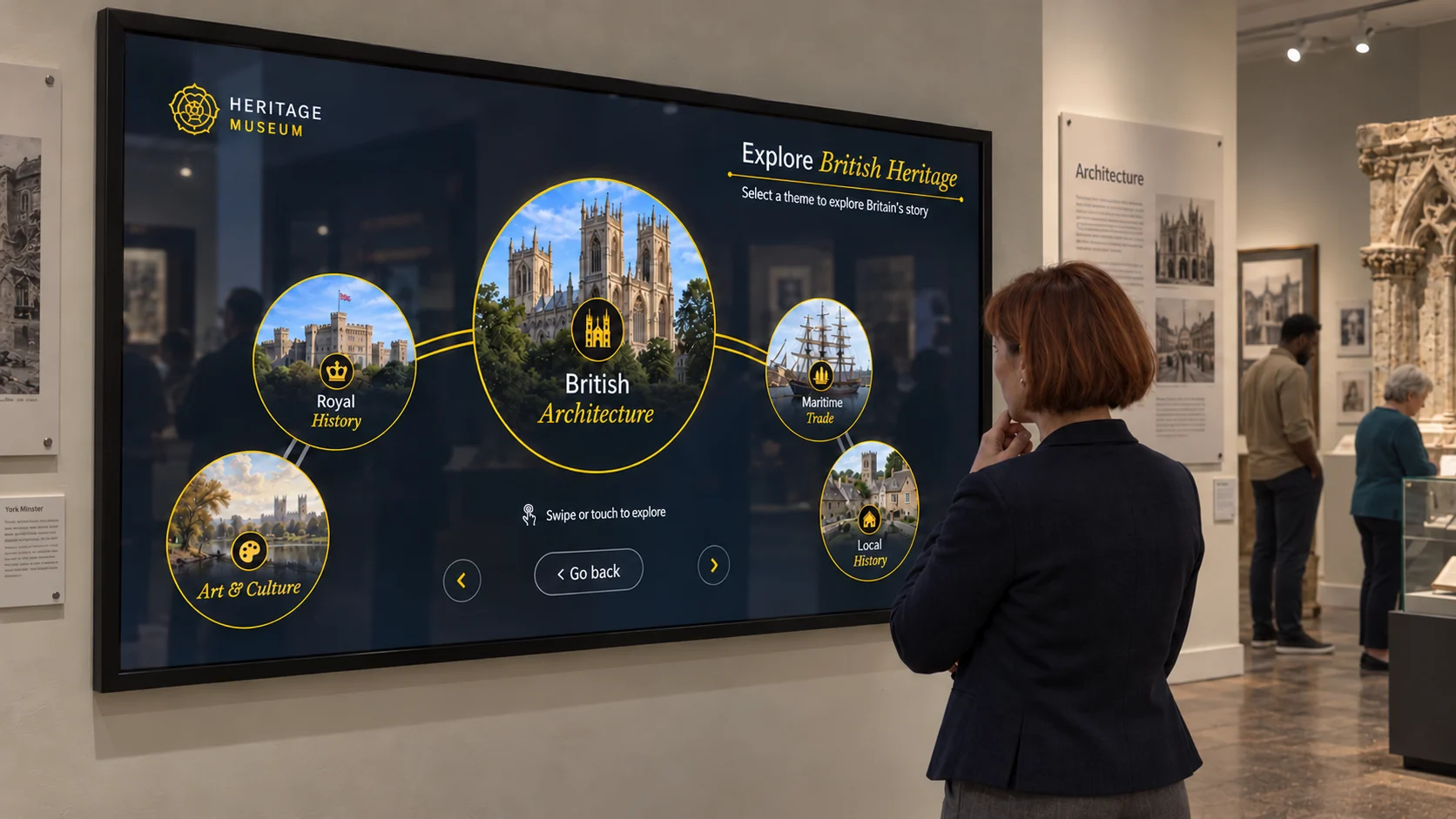
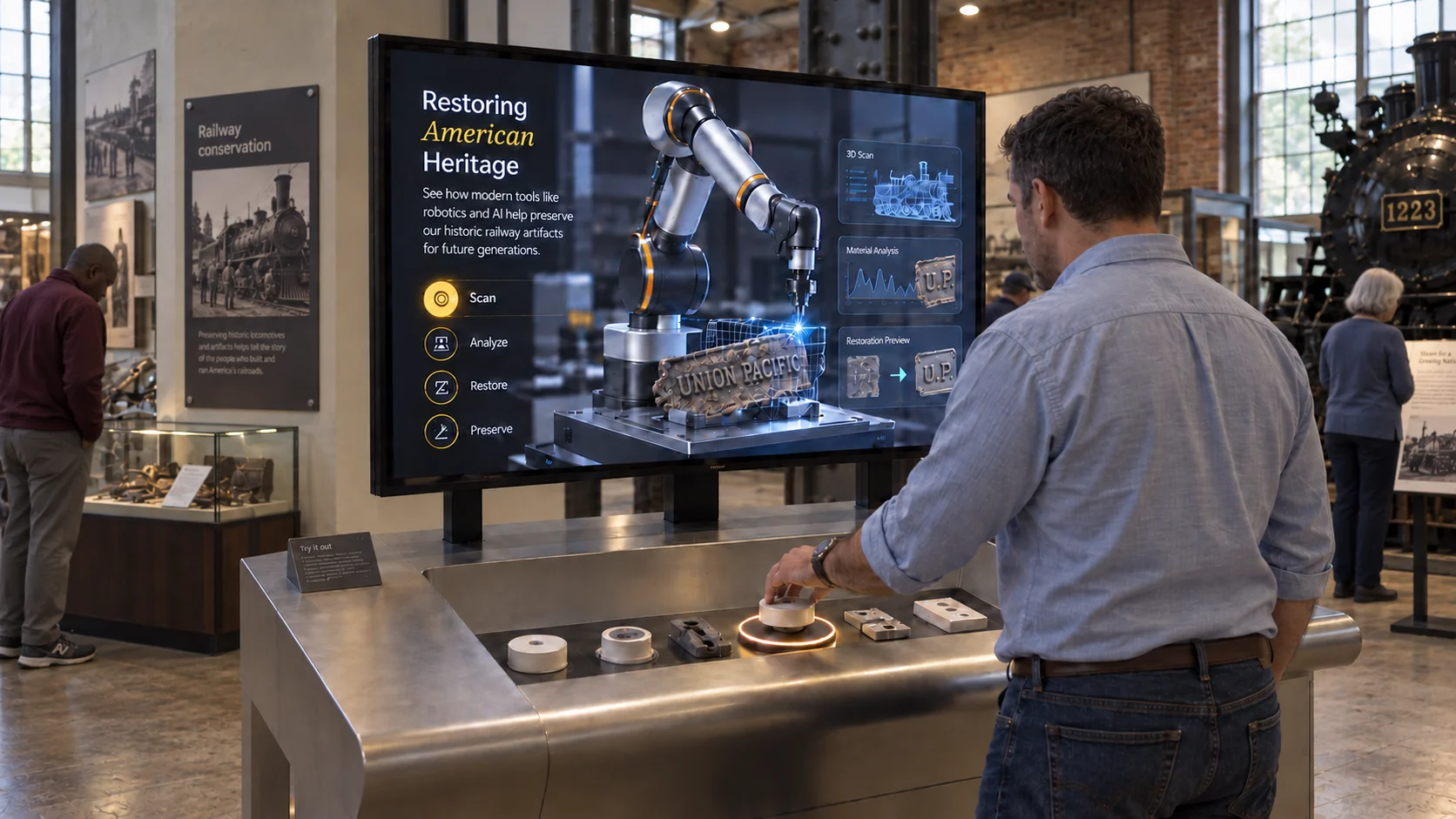
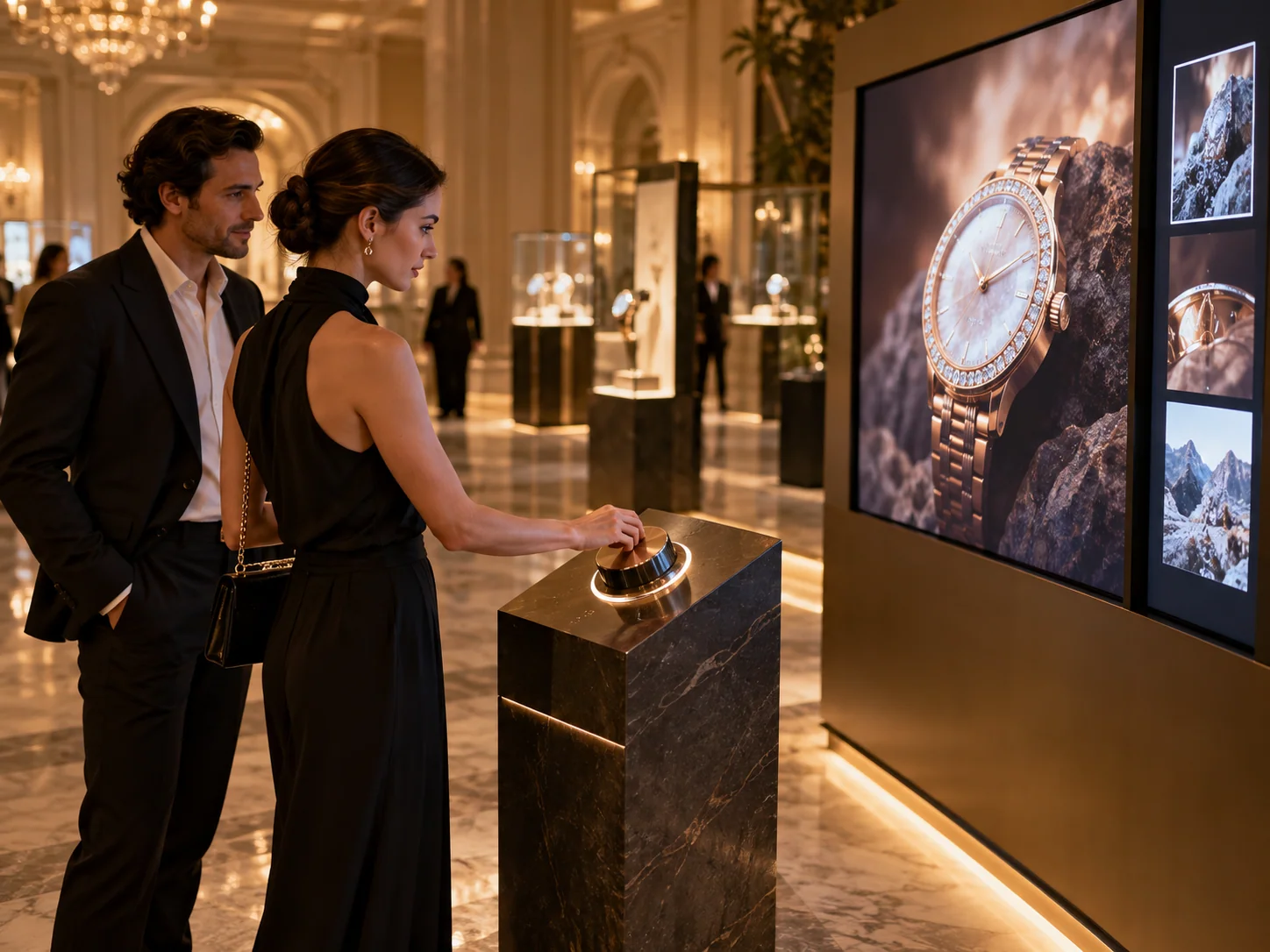
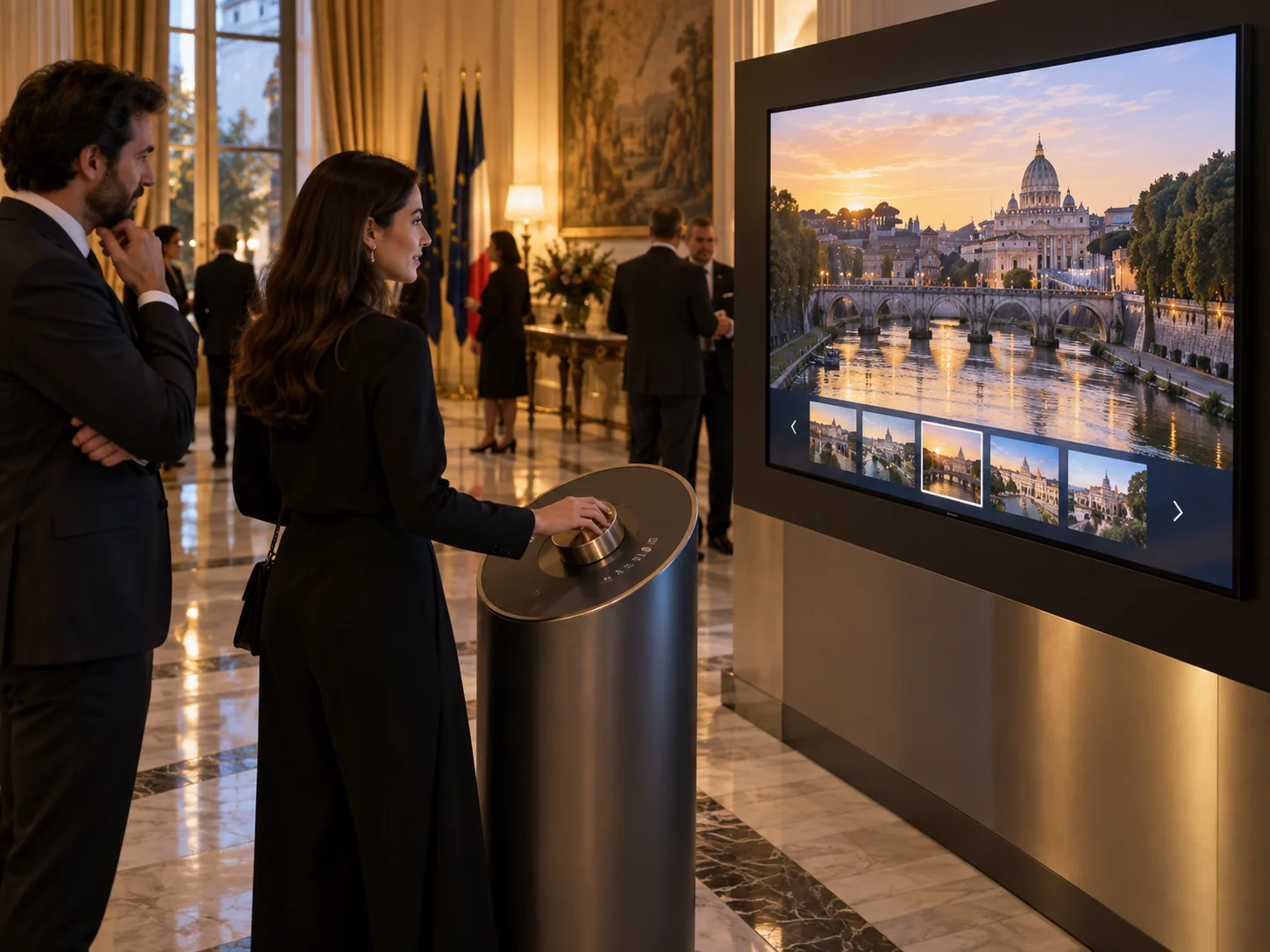
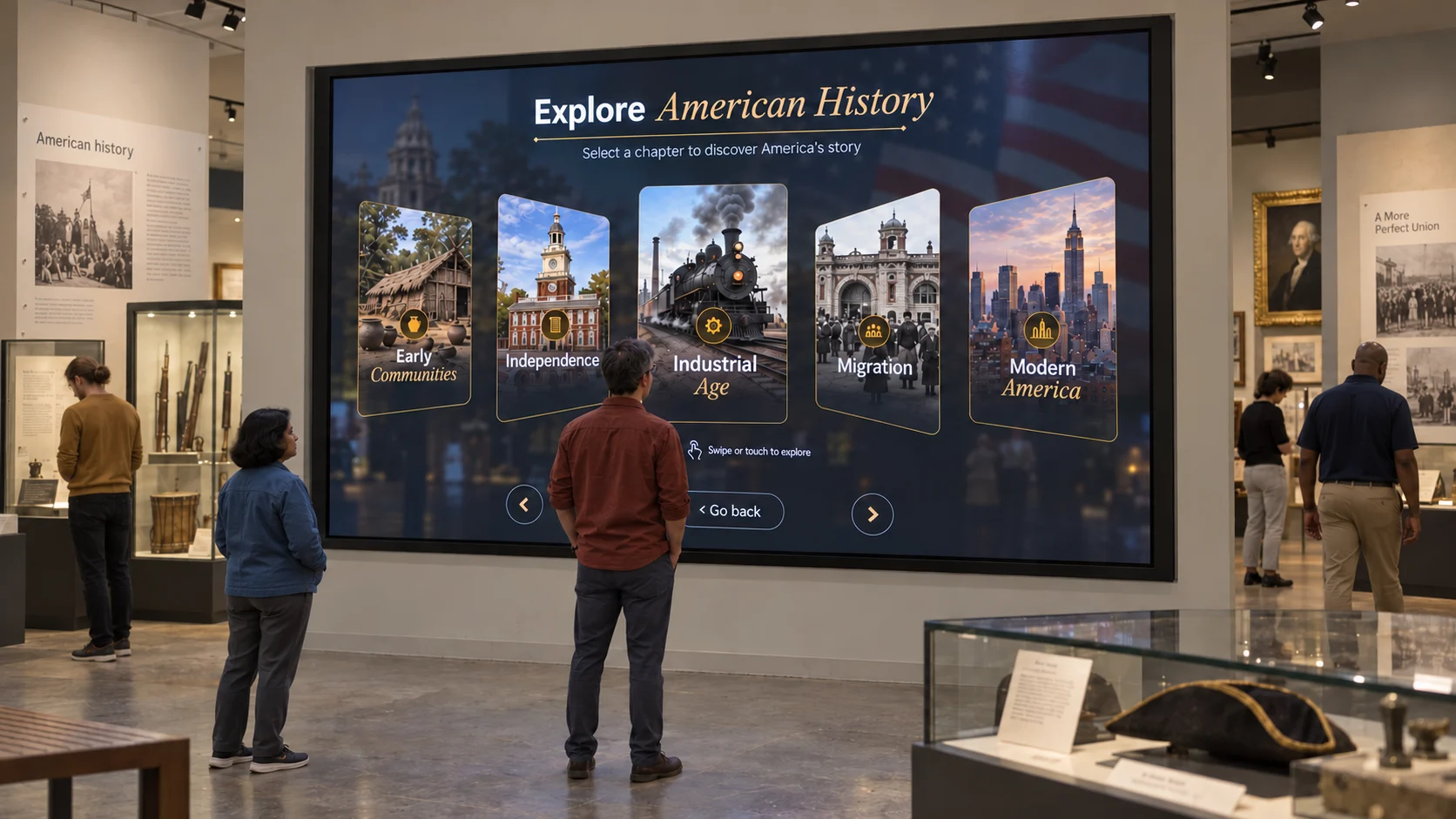
Different spaces. Different scales. Start with your audience and imagine how the interaction could fit your brief.

Talk through an idea

AI-generated concepts · Illustrative installations, not completed projects

From idea to installation

Put discovery at their fingertips.

Get started with WEEV
Download technical spec PDFHardware · space · indicative setup drawing
The practical details

Physical Dial Interactive Exhibit Software

Use a physical dial to navigate digital stories, products and collections in museums, science centres, exhibitions and interactive showrooms.

What should each turn reveal, and where will the physical controller be mounted?

Discuss this setup ↗
Start with
A selected Block and template. Confirm it fits the required interaction before preparing content.
Your content
Content sequence and selection; Media, labels and visual identity; Dial interaction and screen behaviour.
Hardware & space
Physical dial / display. Confirm the display, playback PC and peripherals for the selected template. Bring screen dimensions, floor plans and accessibility requirements.
Studio & Player
Studio manages content locally. Player runs the experience and provides online analytics. Confirm playback, licensing and any AI connectivity needs for your setup.
Access & scope
Selected templates are available during beta. Inclusion of this experience must be confirmed. Hardware, content production and installation are separate. Review current access and licensing.
More hands. More possibilities.

A block is just the beginning.

Have the idea, but need a little help bringing it to life? Meet the studios behind the possibilities.
Content studio
content studio

Need content
that draws people in?

The content studio helps shape the stories, visuals and content that bring your WEEV experience to life, built around your brief, audience and brand.

DJX Labs
innovation & development studio

Have an idea
beyond the Blocks library?

DJXLabs develops custom interactive solutions combining experience design, technology and development around your vision and use case.

More ways to engage.

Explore other Blocks

Bring this experience to your space.

The space. The audience. The timeline.
Let’s find the right way to bring it to life.
Book a scoping callFor experiential agencies, AV partners, turnkey teams and ambitious brands.
LET’S MAKE IT HAPPEN

Your idea.
Our next conversation.

Book a quick call to discuss your requirement, or send us a note and we’ll get back to you.