Short answer: choose around the visitor interaction, supported hardware and the work your team will maintain. Intuiface offers both flexible authoring and reference designs. WEEV starts with a selected Block that you customise in Studio and deploy with Player. Neither approach removes the need to confirm hardware, test the installation or scope work outside the available options.
This comparison is written by the WEEV team. Official product pages were reviewed on 12 October 2026. It compares published positioning and workflows, not an independent hands-on benchmark. Features and commercial terms can change; request a current specification and quote before procurement.
Compare the starting point
| Platform | Published focus | What to investigate for your project |
|---|---|---|
| WEEV | Reusable interactive Blocks for physical spaces, customised in Studio and deployed with Player | Whether the chosen template is available, supported inputs, content fields, hardware and connectivity requirements |
| Intuiface | No-code interactive experiences, with reference designs as well as custom authoring | Whether an existing reference design fits, required configuration and supported deployment devices |
| PandaSuite | No-code multimedia and interactive applications | Publishing targets, interaction logic and any required integrations |
| Curio Publisher | Museum teams creating interactive displays and object stories | Content structure, touchscreen publishing and the visitor journey |
| Omnitapps | Multitouch applications, museum displays and games | Which application fits the brief and how much customisation it allows |
| eyefactive | Multitouch applications and interactive tables | Display compatibility, app capabilities and object-recognition requirements |
| ExpoScreen | Interactive touchscreen presentations for exhibition stands and showrooms | Offline publishing workflow, operating system and project scope |
These products differ in scope. A presentation builder, a museum storytelling tool and a general interaction platform are not interchangeable. Compare the actual visitor task rather than counting features.
WEEV and Intuiface: a fair workflow comparison
Intuiface publishes reference designs. It is therefore inaccurate to say that every project must begin with a blank canvas or that every interaction must be rebuilt.
With WEEV, begin by choosing a Block that matches the intended interaction. Review its available settings, prepare content in Studio, and test the configured experience in Player on the intended hardware.
WEEV may suit an agency repeating a familiar interaction across campaigns, or a museum adapting an existing format to a collection. If the brief requires behaviour outside the Block’s available options, discuss separate custom work. Reuse is a workflow benefit to evaluate on your project, not a promise that every brief can be delivered without development.
Before choosing either platform, ask for a demonstration using representative content and the intended input hardware. Check what the team can change independently and what requires help.
Match the software to the job
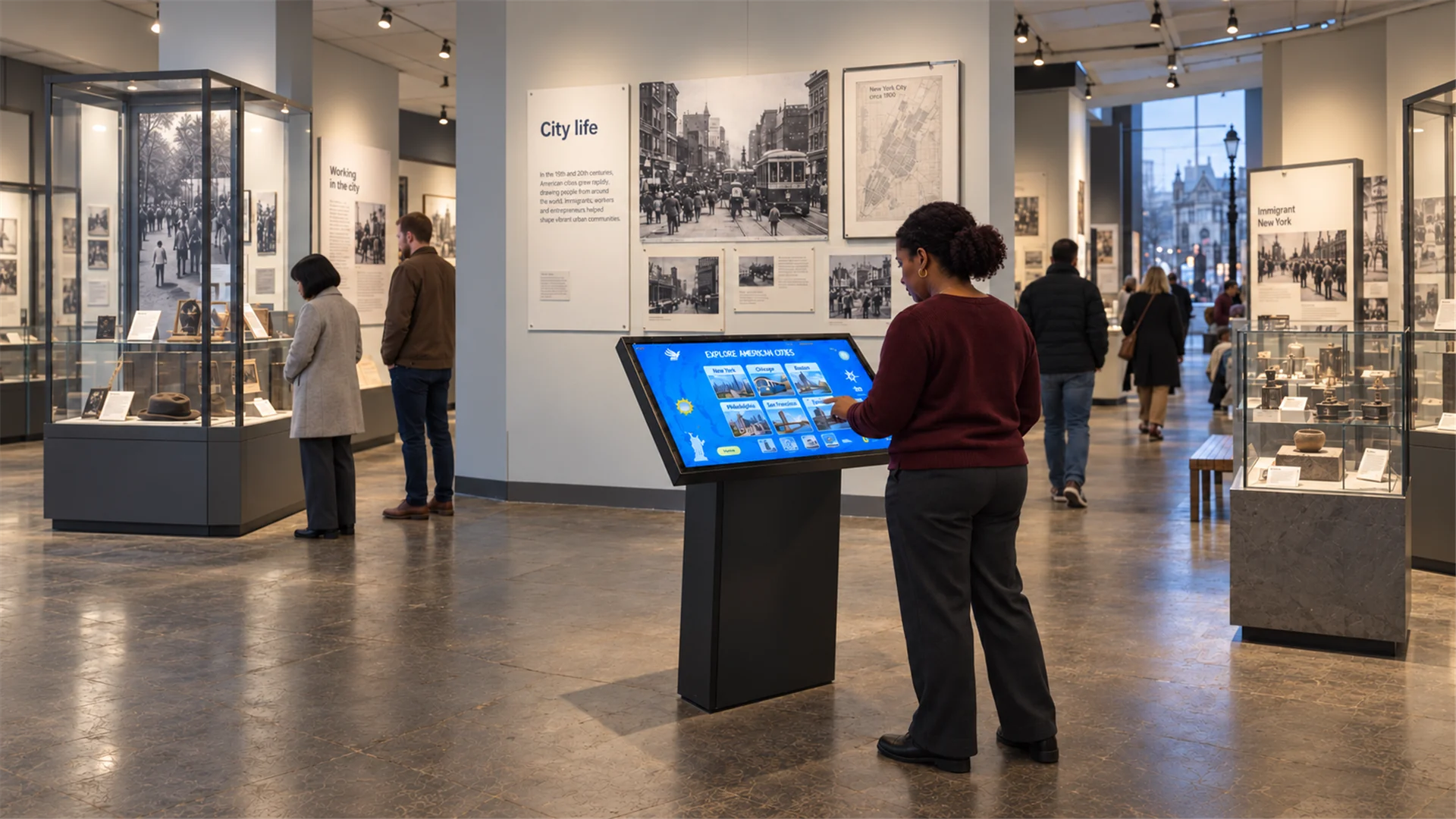
- Museum collection browsing: compare the content structure, update workflow and touchscreen experience in WEEV Kiosk, Curio and Omnitapps.
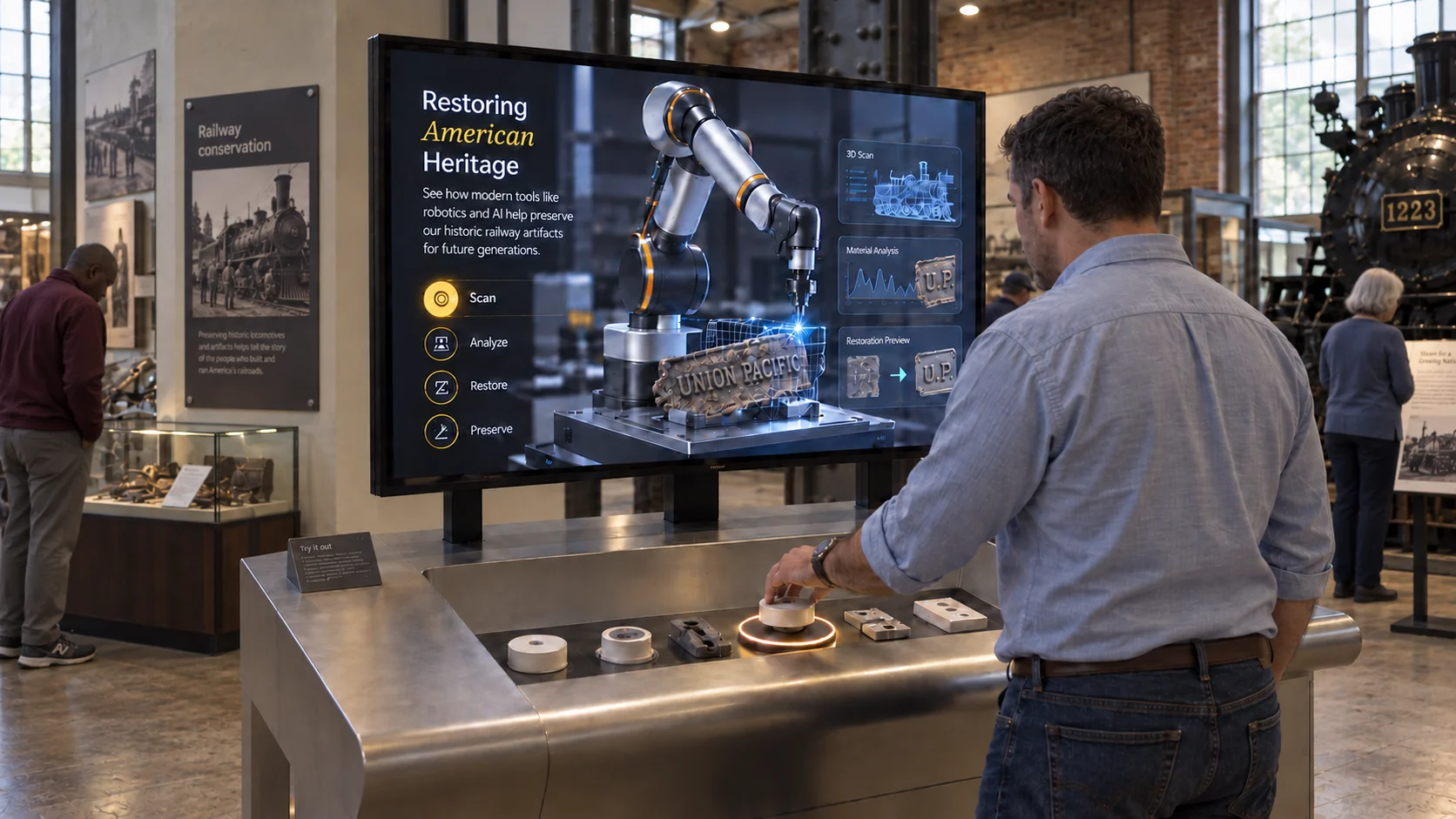
- RFID or physical controls: confirm object mapping, compatible peripherals and recovery behaviour. Review WEEV Pick & Place and request a hardware-specific demonstration.
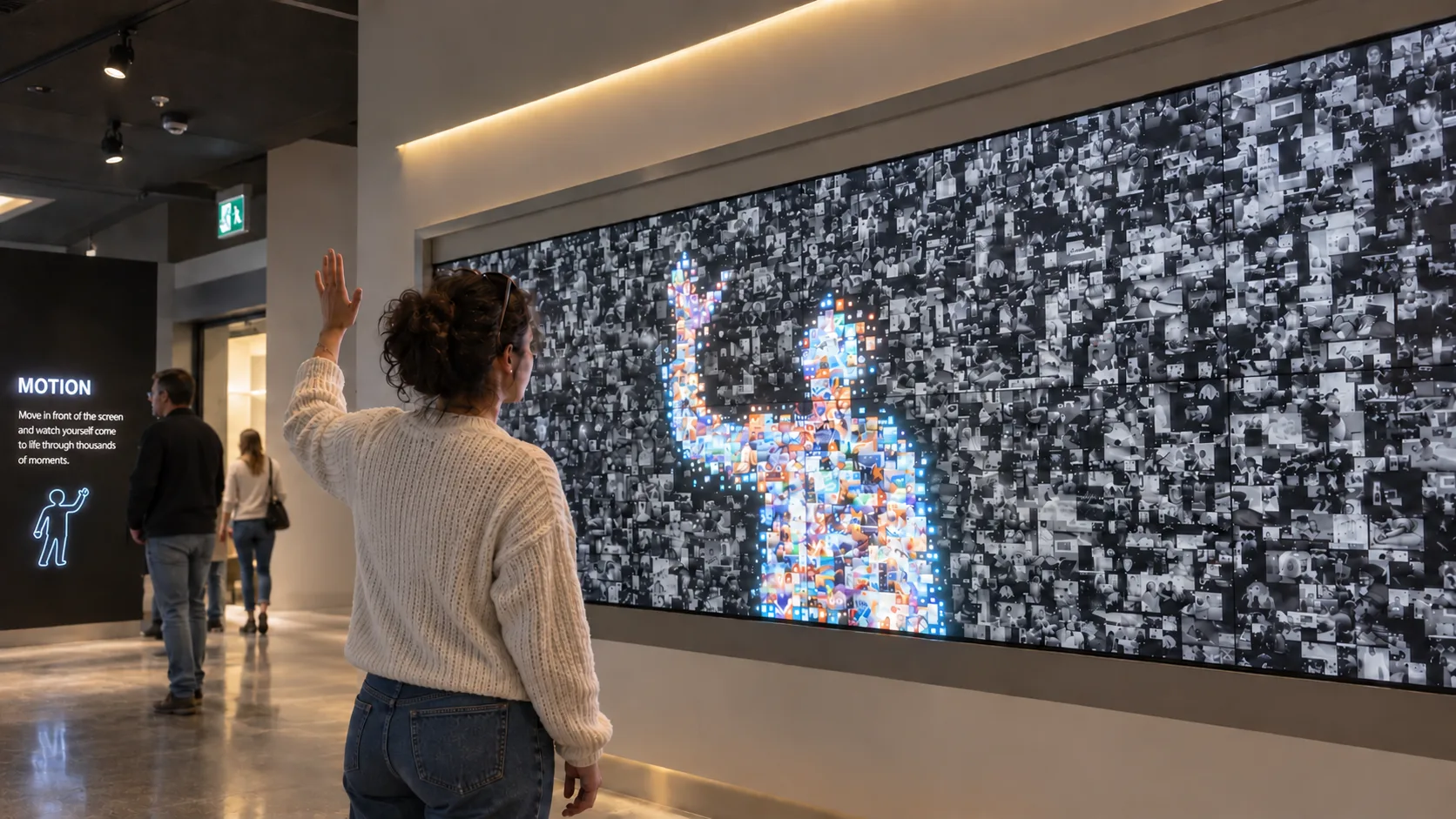
- Gesture interaction: validate camera placement, lighting, tracking area and the number of visitors. Start with the gesture wall planning guide.
- Trade-show presentations: investigate touchscreen presentation tools such as ExpoScreen alongside the relevant WEEV Kiosk or Carousel format.
- A new interaction or complex integration: assess the authoring platform, development scope and maintenance plan rather than assuming a template will cover it.
Compare the complete deployment cost
Ask each supplier for the same scope: authoring access, playback seats, included templates, AI services, hardware, content production, installation, updates and support. For temporary events, also ask how reassignment and repeat use are licensed.
Selected WEEV templates are available during beta. Confirm inclusion of the chosen experience, export credits and any AI feature usage. The licensing page explains timed licences, seats for unchanged files and how to discuss perpetual use with the team. Ask for the current credit schedule before planning delivery.
This guide does not list unverified competitor prices or label one supplier the cheapest. Use the supplier’s current terms and a project-specific quote.
Validate the live setup
Test the real display, computer and peripherals with representative media. Confirm start-up, network loss, idle reset, visitor exit paths, operator recovery and analytics connectivity. Local content management does not establish that every feature or service operates offline.
Use the installation reliability checklist to plan acceptance testing. Agree who handles content updates and on-site support after handover.
Frequently asked questions
Does Intuiface have templates or examples? Yes. Intuiface publishes reference designs. Check which designs match your brief and what configuration or customisation is still required.
Can I try WEEV before committing to a deployment? Request Studio beta access and confirm which templates are included. Availability of a Block on the website does not guarantee that every template or hardware configuration is included in beta.
Does WEEV support RFID exhibits? WEEV has an RFID Pick & Place Block. Confirm the reader, physical objects, content mapping and installation requirements for the selected setup before buying hardware.
Can an Intuiface project be imported directly into WEEV? There is no direct project-import workflow described here. Share the existing content and interaction requirements so the team can assess how they map to a WEEV Block.
Is WEEV fully offline? Studio content management runs locally. Confirm Player, licensing and AI dependencies for the selected configuration. Player analytics uses online connectivity; test the intended deployment rather than assuming every function works offline.
Official sources
Plan your next step
For museum projects, start with interactive museum software. For campaigns, explore brand activations. Agencies and AV teams can review the partner workflow or discuss a setup.