Short answer: the best fit depends on what visitors do, what hardware is available and who will maintain the content. Begin with a representative visitor journey, then compare a reusable interaction, a general authoring platform and custom development against that same brief.
We build WEEV. This guide explains the choices from that perspective; it is not an independent product ranking. Official product pages were reviewed on 12 October 2026. Confirm current features, availability and commercial terms before committing to a supplier.
Three buying decisions before choosing a tool
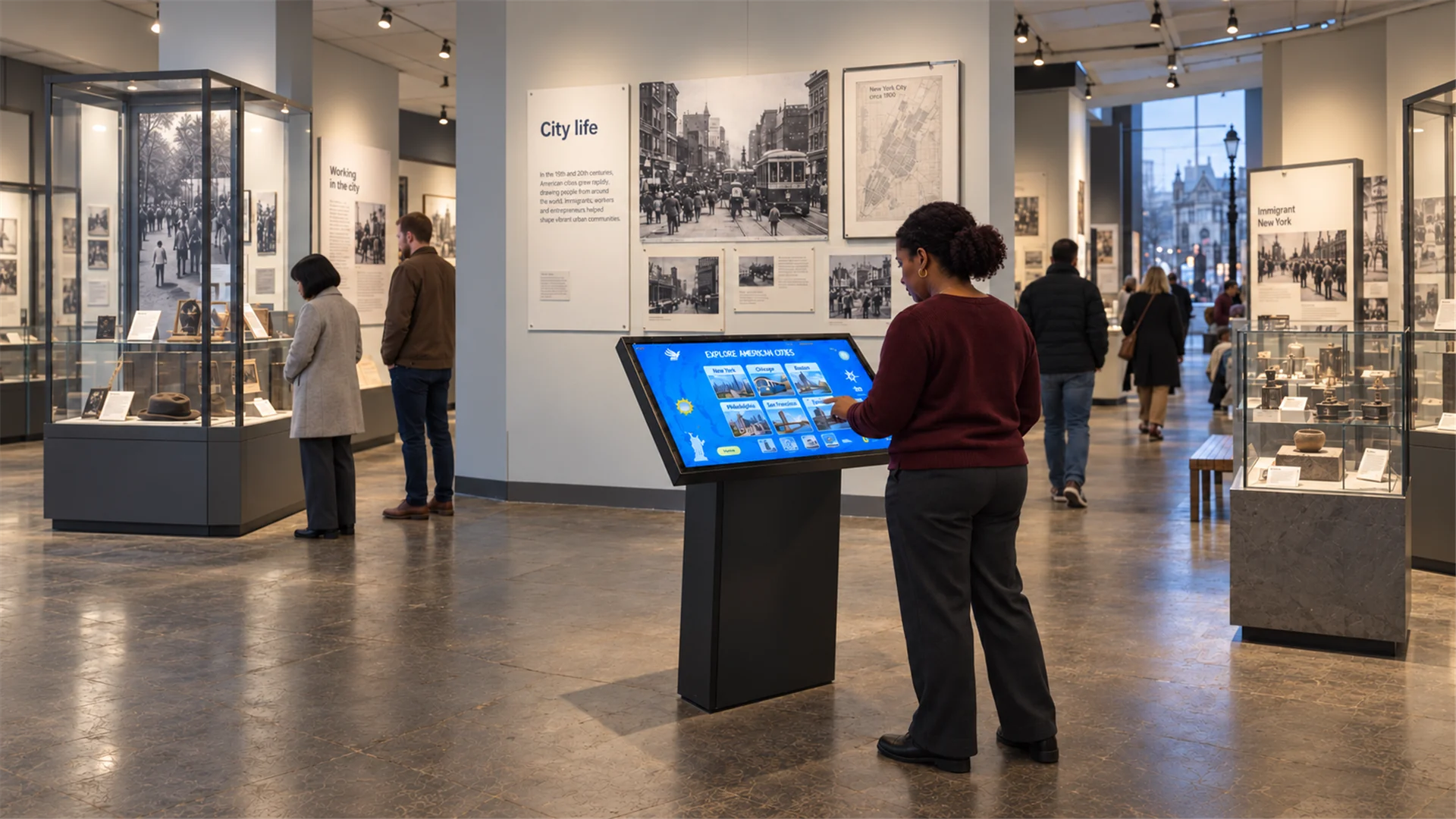
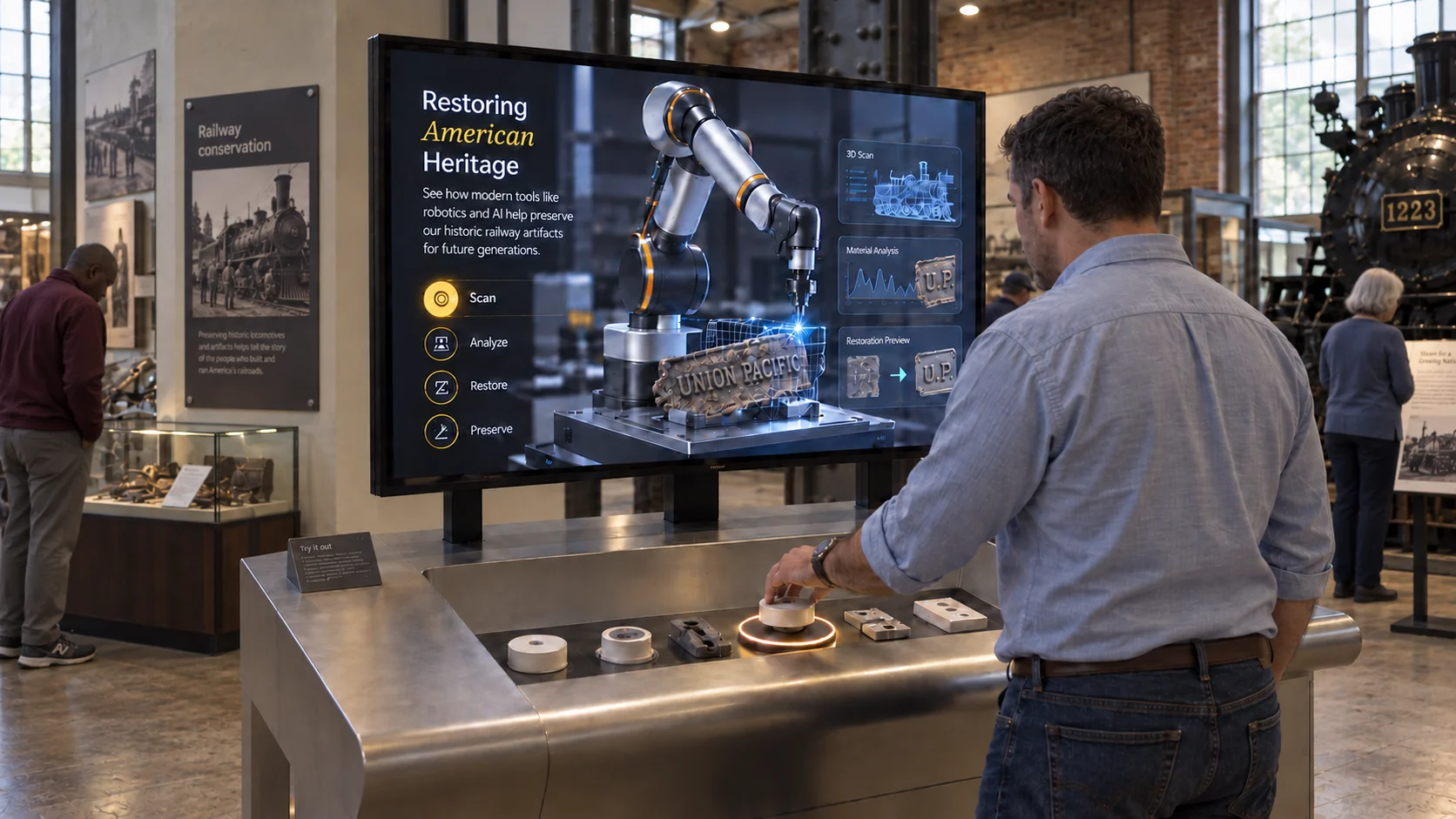
- The visitor action: browse a collection, pick up an object, move in front of a wall, play a game or leave feedback. Each action has different hardware and space requirements.
- The content workflow: decide who prepares media, approves it, publishes updates and checks the live installation.
- The operating environment: specify displays, inputs, playback computers, connectivity, accessibility requirements and support responsibilities.
For museum teams, the ability to maintain approved collection content can matter as much as the opening-day effect. For agencies, repeatable branding and deployment across briefs can matter more than unlimited interface freedom.
Compare approaches, not just feature lists
| Approach | Examples to investigate | Main question |
|---|---|---|
| General interactive authoring | Intuiface, PandaSuite | Can the team configure and maintain the required interaction? |
| Reusable applications and formats | WEEV Blocks, Omnitapps, eyefactive | Does an available format fit without unsupported custom behaviour? |
| Museum display publishing | Curio Publisher, Exhibitera | Does the content model and visitor workflow suit the collection? |
| Exhibition presentations | ExpoScreen | Does the presentation workflow suit the booth and playback equipment? |
| Custom real-time development | TouchDesigner or a specialist studio | Is a new interaction worth the development and maintenance scope? |
The categories overlap. For example, Intuiface provides reference designs; it is not limited to starting from an empty project. Compare the specific workflow you would use.
Where WEEV fits
WEEV offers reusable interactive Blocks for physical spaces. Choose a suitable format, customise its available content and visual settings in Studio, then deploy the experience with Player.
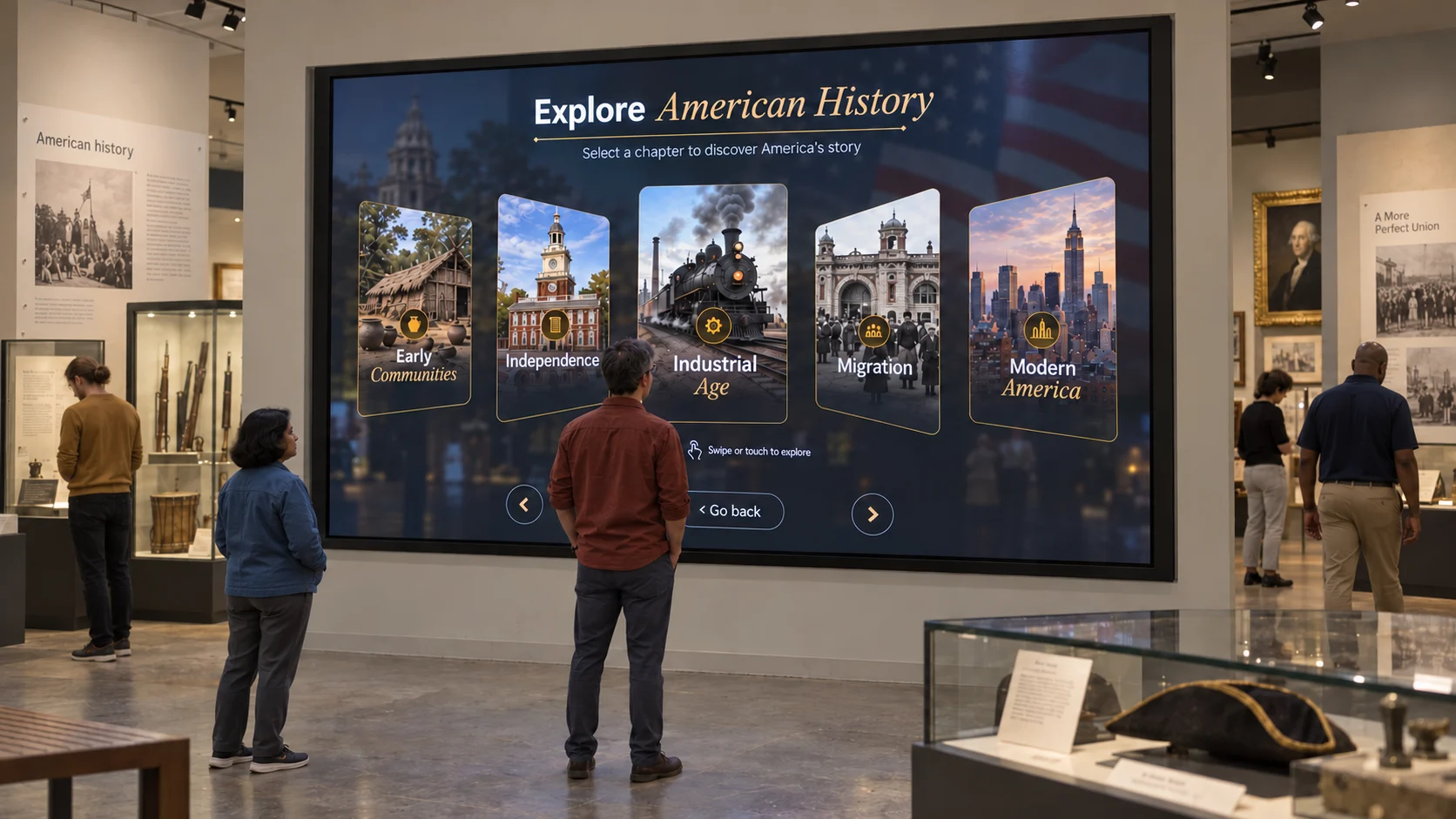
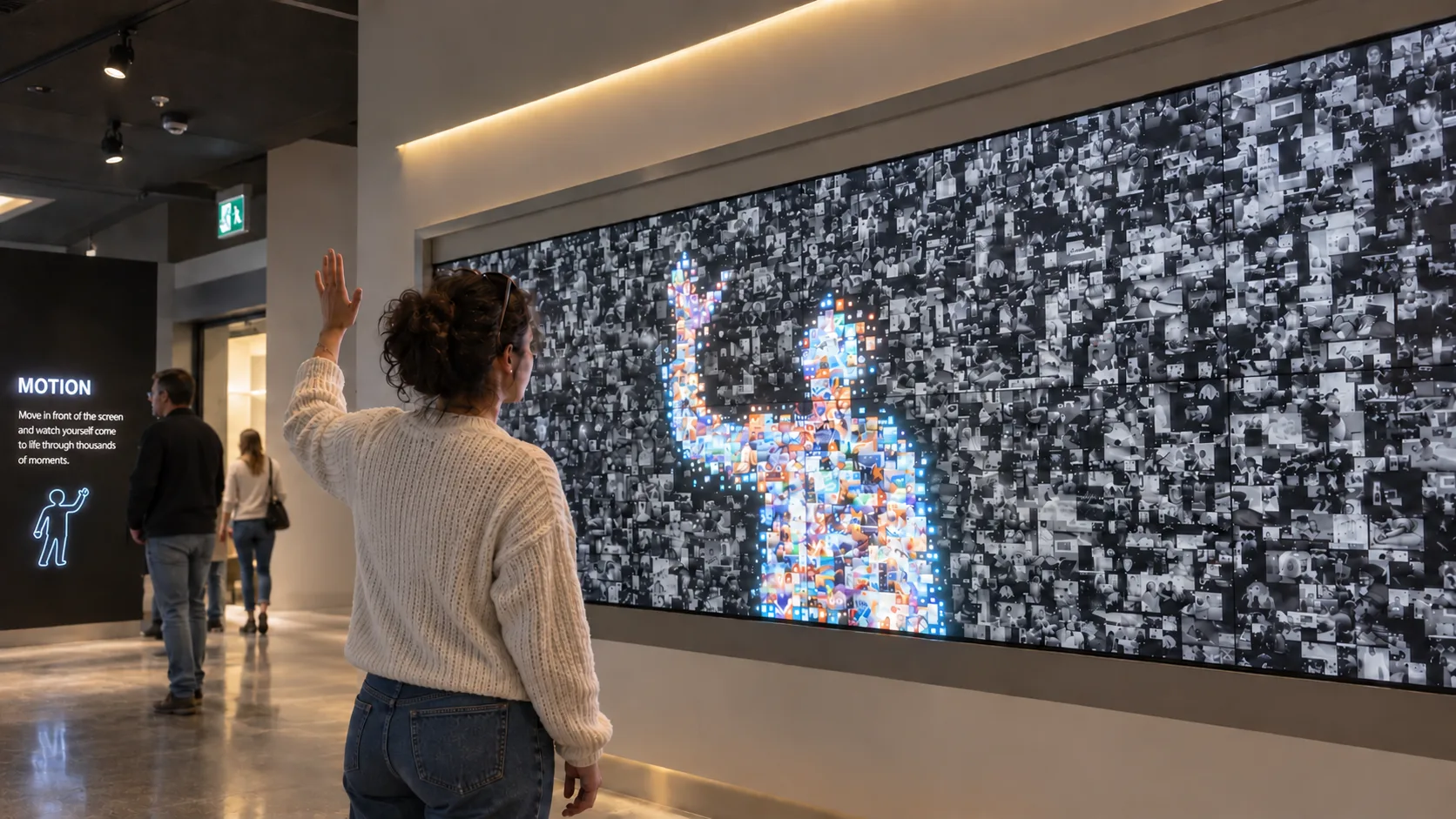
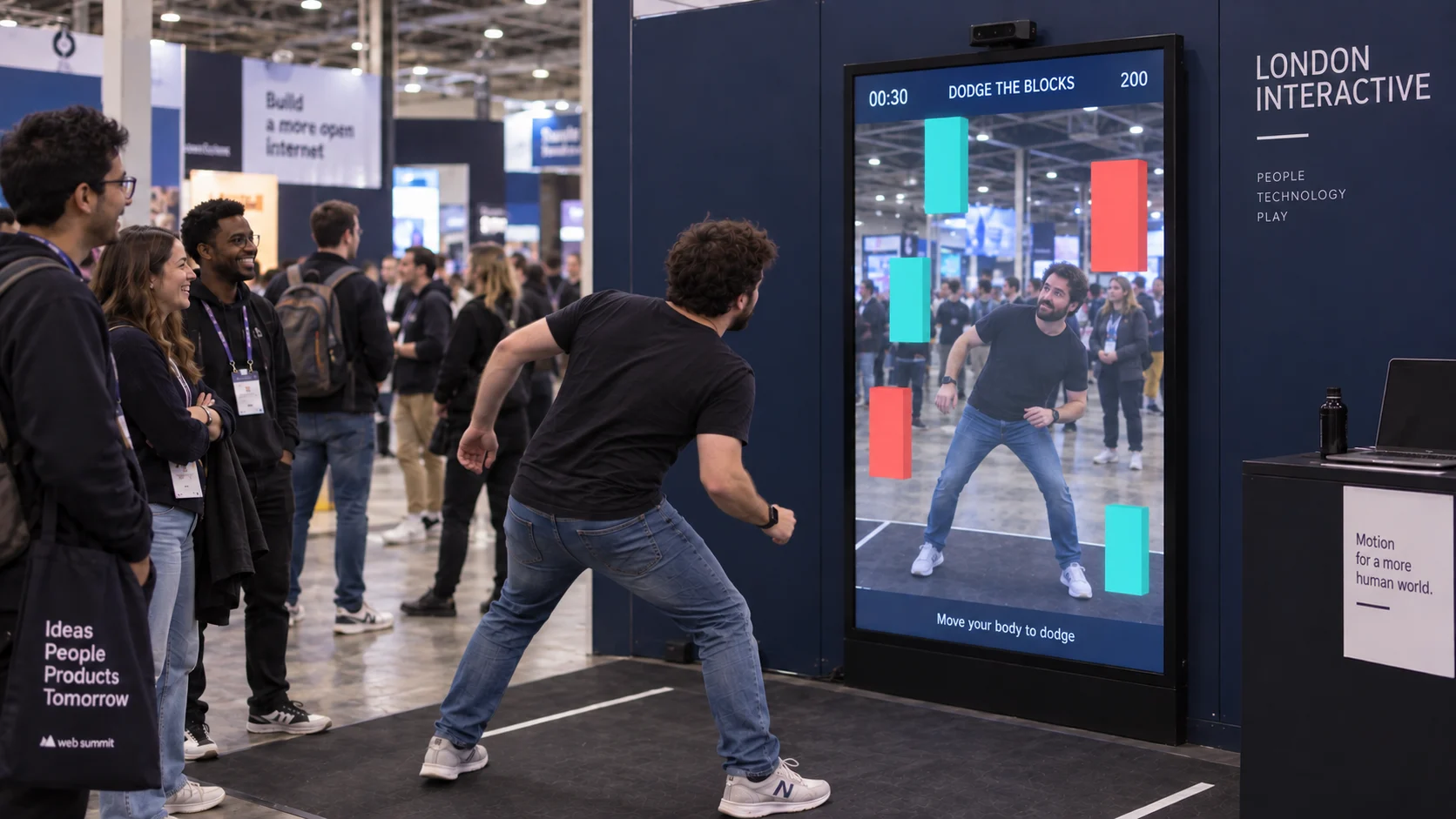
Examples include touchscreen collection browsing, RFID object stories, gesture-controlled experiences and interactive timelines.
Confirm the selected template and hardware configuration before planning delivery. Selected templates are included during beta, but that does not establish availability of every Block or configuration. Exporting and activating a licensed WEEV file uses credits; AI-powered options may have additional usage. Hardware, content production and installation are separate.
If a brief falls outside the available Block settings, discuss custom work rather than assuming the template will cover it. Agencies and AV partners should agree handover, support and repeat-deployment requirements with the team.
What to request in a demonstration
Use your own representative content, not only a polished vendor example. Check:
- The complete journey from idle screen to interaction and back.
- Content editing, previewing, export and update steps.
- The exact input hardware and installation geometry.
- How the system behaves after a restart or network interruption.
- What engagement data is available and what connectivity it needs.
- Accessibility needs such as reach, text size, contrast, captions and alternative controls.
- What the operator can recover independently and when support is needed.
A sample video does not verify every deployment condition. Record the results of a hardware-specific test before procurement.
Budget for the complete installation
Ask suppliers to separate software access, playback licences, hardware, media production, fabrication, installation, maintenance and support. For temporary events, ask about reassignment and repeat use. For permanent spaces, ask about updates and long-term operating costs.
WEEV’s licensing page explains export credits, seats for unchanged files and timed licences. Get current credit amounts for the actual project. This guide does not rank tools by unverified prices.
Check connectivity explicitly
Local content, offline playback, licence activation, AI services and analytics are different requirements. A local editor does not prove every live function works without a network.
Studio content management is local. Confirm the selected WEEV Player configuration and service dependencies; Player analytics uses online connectivity. Test the proposed installation using the reliability checklist.
Frequently asked questions
What is interactive exhibit software? It lets visitors control digital content through inputs such as a touchscreen, sensor or physical object. Authoring, content management and playback may be separate parts of the system.
Do I need custom development? An available template may cover a familiar interaction. New behaviour, unusual hardware or external data integrations can require additional configuration or development. Validate the brief against a working example.
Which software is best for museums? Start with the collection and visitor journey. Compare museum-focused tools and broader interaction platforms using your content, hardware and maintenance requirements. There is no single best option for every installation.
Can WEEV run without internet? Studio manages content locally. Confirm playback, licensing and AI-service dependencies for the selected setup. Player analytics requires online connectivity.
How should I compare WEEV and Intuiface? Compare the actual starting template or reference design, required customisation, supported input hardware and delivery workflow. See the Intuiface alternatives guide for a scoped comparison.
Official sources
- Intuiface reference designs
- PandaSuite
- Curio Publisher
- Exhibitera
- Omnitapps museum solutions
- eyefactive
- ExpoScreen
- TouchDesigner
Start with your audience
Explore WEEV for museums, brand activations or exhibitions and trade shows. Bring your content, equipment list and deadline to a setup conversation.